
Stella Sora Beginner Guide: 12 Tips for a Strong Start
Use this Stella Sora beginner guide to build your first team, understand Ascension Records, choose useful Discs, and spend upgrade materials efficiently.
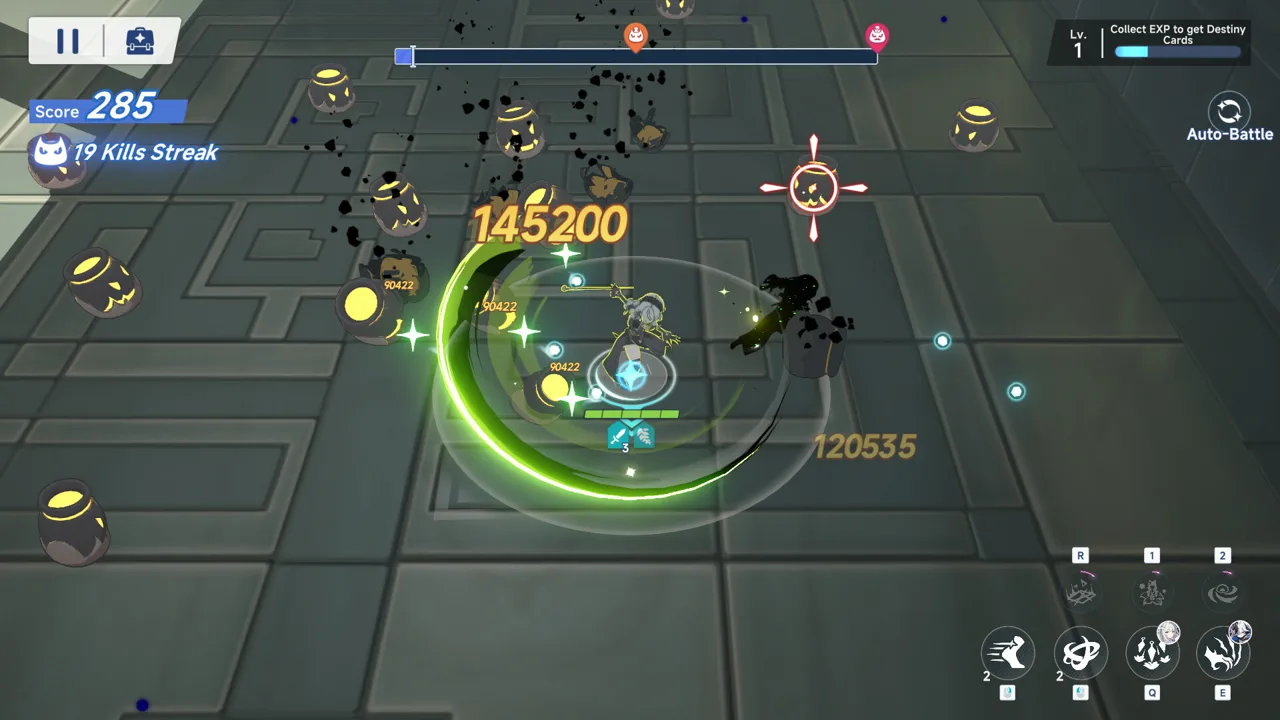
Early Game: Build One Team and Unlock Your Routine
Your early upgrades can disappear fast when every new Trekker looks worth building. This Stella Sora beginner guide helps you focus those materials on a working team while learning the Ascension system that carries your builds into other modes. Follow this Stella Sora beginner guide to connect combat, Discs, and resource farming before expensive upgrades start competing for your attention.
1. Follow Tyrant Growth before chasing every activity
Tyrant Growth gives you objectives and materials while introducing the account progression covered in this Stella Sora beginner guide. Follow its missions alongside the story, spend your regenerating energy, and check newly unlocked activities.
Your account level is called Authorization Level. Raising it opens more content and allows further Trekker development.
| Early milestone | What it opens | Your next step |
|---|---|---|
| Authorization Level 3 | Tyrant Growth, level rewards, and daily missions | Work through the available objectives and collect rewards |
| Authorization Level 5 | Events | Check event missions and shop rewards |
| Higher Authorization Levels | More content and further progression | Continue story progress and spend energy in Bounty Trials |
Events can offer recruitment resources, upgrade materials, and five-star Discs. Check their rewards before committing your materials elsewhere.
2. Choose a starting carry, then build around them
A team contains one main Trekker and two support Trekkers. Begin with a damage dealer you want to use, then choose supports whose abilities help that character.
The beginner recruitment system lets you perform 20 ten-pulls, retain up to five results, and choose one saved result. You receive the selected result rather than every saved pull.
Use those choices to establish a team direction. Nanoha and Minova are carry options highlighted for starting accounts, while Gerie enables Terra Mark compositions.
Before using a selector, inspect your existing roster. Fill an actual team gap instead of choosing another character who competes for an already occupied role.
Combat: Understand Roles, Elements, and Marks
The combat priority in this Stella Sora beginner guide is learning what each team member actually does. Rarity alone cannot explain whether three Trekkers work together.
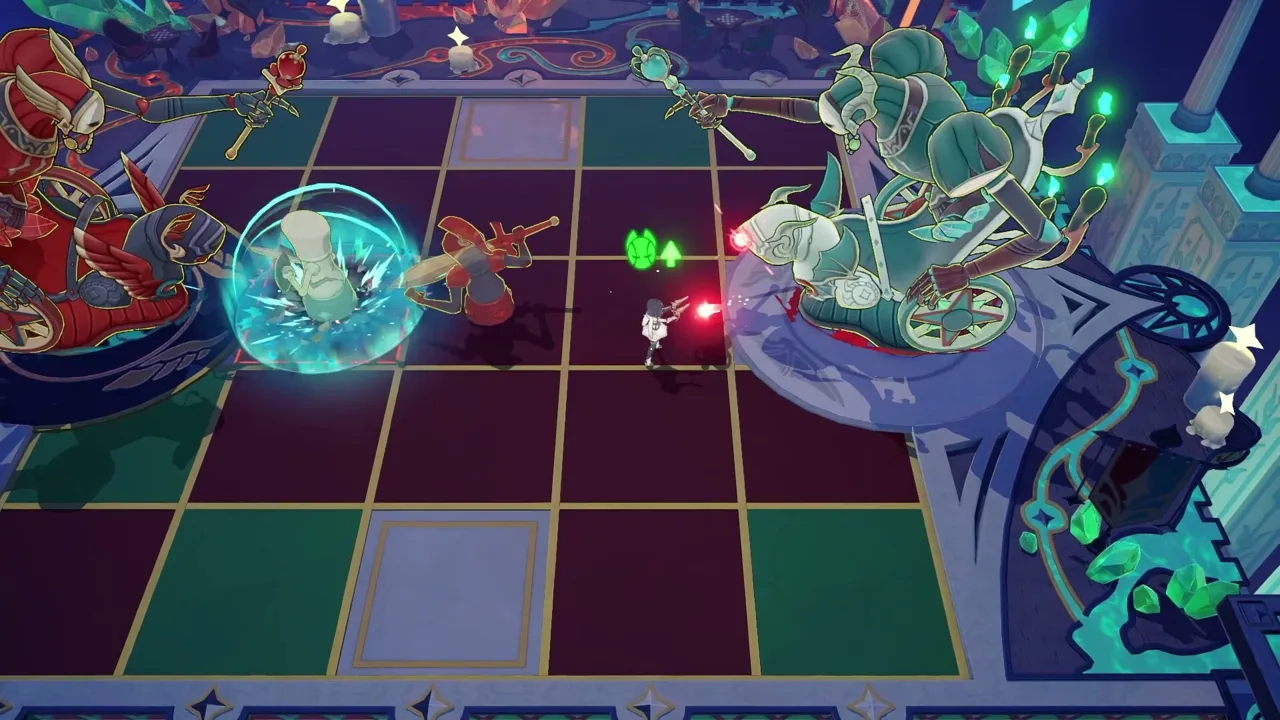 Image: Steam / YOSTAR HONG KONG LIMITED
3. Match upgrades to each Trekker’s position
You control the main Trekker’s movement and dodges. Basic attacks happen automatically when enemies are within range, while you activate skills and ultimates.
Support Trekkers contribute through their support skills and ultimates. Their main skills are relevant when they occupy the main position.
| Team position | Available combat tools | Upgrade focus |
|---|---|---|
| Main Trekker | Basic attacks, main skill, ultimate | Prioritize the attacks and skills driving your build |
| Support Trekker | Support skill, ultimate | Invest in the abilities the support actually uses |
| Basic-attack-focused main | Basic attacks alongside available skills | Give basic attacks priority when they supply your damage |
Read ability descriptions before spending skill materials. A support’s unused main skill offers no immediate benefit to that support assignment.
4. Use elemental advantage without forcing weak synergy
Stella Sora has six elements. Four follow an advantage cycle, while Lux and Umbra counter each other.
| Your element | Element it counters |
|---|---|
| Ignis | Terra |
| Terra | Ventus |
| Ventus | Aqua |
| Aqua | Ignis |
| Lux | Umbra |
| Umbra | Lux |
Single-element teams can align character abilities and Disc bonuses. However, an off-element support can still contribute when its buffs suit the team.
Tilia, for example, can support a Terra Mark composition despite belonging to Lux. Read the buff’s conditions before excluding a character solely because of their element.
5. Pair Mark application with a trigger
Marks need the right interaction to produce their payoff. Nazuna can apply Terra Marks, and Gerie can trigger them through support abilities or an ultimate.
For that composition, use Nazuna in the main position with Gerie supporting. Tilia can supply additional buffs.
This setup also depends on Potentials: Touch of Nature for Nazuna and Blinding Beam for Tilia are relevant choices. Highly mobile bosses create problems for the composition, so practice its positioning before committing heavily.
During boss fights, watch the white bar. Depleting it stuns the boss and creates a window of increased damage taken. Use that opening to concentrate damage, and handle dangerous attacks manually when auto-battle struggles.
Ascension: Turn a Run Into a Useful Record
Ascension connects the systems covered throughout this Stella Sora beginner guide. You climb floors, collect Potentials and music notes, then save the resulting team build as a Record for other activities.
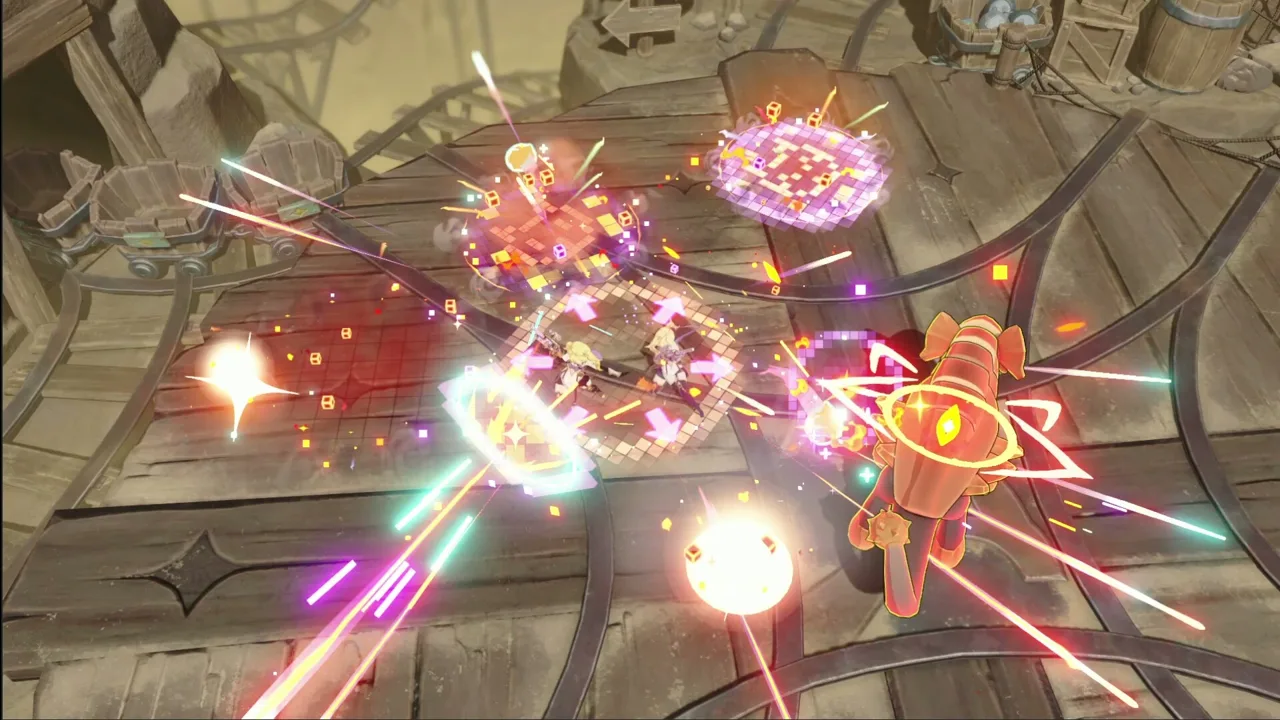 Image: Steam / YOSTAR HONG KONG LIMITED
6. Choose Potentials that support one damage plan
Potentials modify abilities, stats, and other parts of your build during an Ascension run. At selection points, choose upgrades that reinforce how your team deals damage.
For a Mark team, prioritize the interactions behind applying and triggering Marks. For a basic-attack carry, examine upgrades that strengthen basic attacks.
Check the character’s Potentials menu for build guidance before entering. Knowing which effects you want makes each selection easier to evaluate.
Ascension costs no stamina, so use it to practice movement and refine your builds between Bounty Trials. Complete Research projects to gain permanent improvements to stats, drops, and Melody gain.
7. Understand which Disc effects need music notes
Discs are equipped at the team level, with three main slots and three support slots. Their placement changes what they contribute.
| Disc placement or effect | What it provides | What to check |
|---|---|---|
| Main Disc | Base stats, a Melody Skill, and Harmony Skills | Match its effects to your team’s element and damage |
| Melody Skill | A passive effect without music-note requirements | Read the bonus before choosing the Disc |
| Harmony Skills | Effects activated and strengthened through required music notes | Collect the specified note types and amounts |
| Support Disc | Base stats and starting music notes | Check whether its notes support your main Discs |
Music notes also affect a run’s score, but a higher score does not automatically mean a better combat build. Evaluate your Record’s useful effects alongside its rank.
After clearing a difficulty, tickets let you repeat it faster to pursue another loadout. Keep useful Records available for the teams and activities you are developing.
Resources: Spend on the Upgrades You Can Use
Resource discipline is central to this Stella Sora beginner guide because early rewards support only so many developed teams. Build enough strength to progress, then expand with a specific purpose.
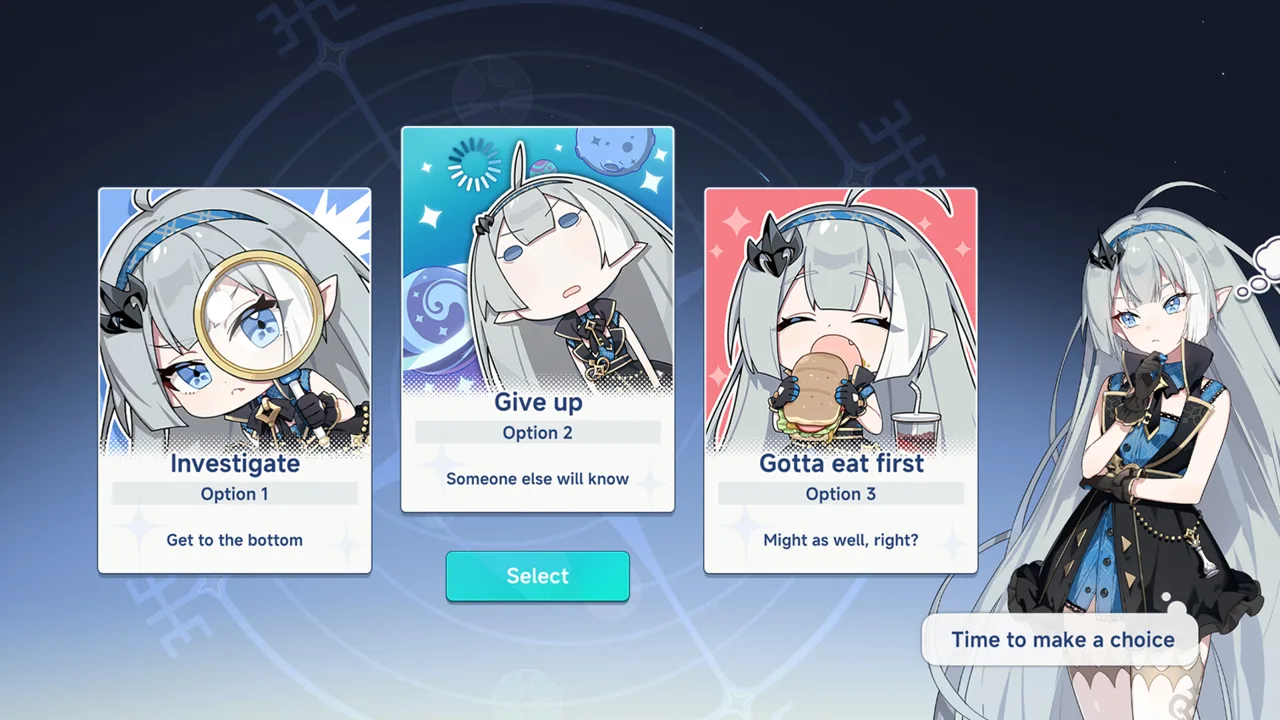 Image: Steam / YOSTAR HONG KONG LIMITED
8. Give your main damage dealer priority
Start with your main damage dealer’s levels and relevant skills. Then develop the supports whose abilities enable the team.
Leveling also raises access to higher skill levels and commissions, so support levels still have value. Sequence your spending around the next obstacle.
Before farming, identify the actual bottleneck:
- Farm experience materials when levels are holding back your team.
- Collect tier materials when a Trekker reaches their level cap.
- Raise relevant skills when their effects need improvement.
- Improve Discs whose bonuses fit your current build.
Keep your initial investment concentrated until the team can handle its assigned content.
9. Spend energy regularly in Bounty Trials
Bounty Trials supply materials for Trekker levels, tier upgrades, skills, Discs, and Emblems. Spending energy also contributes account experience.
Use regenerating energy before it reaches the cap. Farm the materials needed for your next upgrade rather than splitting every session across unrelated targets.
Reserve premium currency refills for a deliberate progression decision. For a free-to-play account focused on recruitment, preserve Stellanite Dust and use stamina-free Ascension when you want more gameplay.
10. Match selectors to your build and save premium currency
Read each Disc selector’s available choices before claiming anything. Match both the element and the damage bonus to your team.
A skill-damage Disc contributes less to a carry built primarily around basic attacks. Use four-star selectors to complete a coherent setup before chasing higher rarity alone.
Discs also come from gameplay shops and events. Prioritize those acquisition routes before spending Stellanite Dust on Disc recruitment.
Emblems become relevant later: the initial unlock is at Trekker level 70, with additional slots at levels 80 and 90. Save Star Emblem Polishers for useful pieces; they can protect up to two affixes during rerolling.
Mistakes to Avoid as More Modes Open
Keep this Stella Sora beginner guide focused on progression you can sustain. New activities test different parts of your roster, so use their requirements to decide what to build next.
11. Stop expanding your roster without a target
Menace Arena includes element-specific chambers, while harder Cataclysm Survivor content requires multiple teams. Those demands give you reasons to expand eventually.
Finish your initial team’s important upgrades, then choose another element for content you want to clear.
| Activity | Main feature | Preparation to prioritize |
|---|---|---|
| Menace Arena | Element-specific chambers with progressively harder floors | Develop teams for the chambers you are tackling |
| Proving Grounds | Tough bosses with three weekly entries | Prepare for boss mechanics and collect materials for skills beyond level six |
| Cataclysm Survivor | Enemy waves, stage-favored elements, and two-team requirements in hard mode | Build suitable elemental teams and manage pickups |
| Boss Blitz | Scored boss fights with technical objectives | Learn the fight and perform its scoring challenges |
For wave content, pay attention to dropped items. Cataclysm Survivor pickups can heal, restore ultimate energy, reduce cooldowns, or deal damage.
12. Read banner rules before committing pulls
Beginner rewards, selectors, and limited recruitment offers serve different purposes. Check what you already own before spending premium currency to complete a team.
Read the active banner’s guarantee and carryover rules before committing. Plan around the resources you have available rather than assuming every reward will arrive in time.
Also check event shops before they close, and use affinity activities for the stories, character extras, and stat benefits they unlock.
Visit the Stella Sora official website for current event notices and game access.
FAQ
What should I prioritize in a Stella Sora beginner guide?
Focus on Tyrant Growth, one functional team, and regular energy spending in Bounty Trials. Learn Ascension next so you can create Records with useful Potentials and Disc effects.
Does Ascension cost stamina?
No. Ascension is stamina-free, making it useful for practicing combat and developing new Records while energy regenerates.
Should every Trekker on my team share an element?
Single-element teams can align elemental bonuses and Disc effects, but flexible supports create exceptions. Tilia can support a Terra Mark team through buffs that suit its damage mechanics.
Should I upgrade every skill immediately?
Upgrade skills according to the Trekker’s assigned role. Supports use support skills and ultimates; main Trekkers use basic attacks, main skills, and ultimates. Prioritize the abilities responsible for your build’s damage or support effects.
Continue with
 Stella Sora Reroll Guide: Fast Steps and Starter PicksPlan your Stella Sora reroll with guest account steps, Opening Act tips, starter targets, and a strategy for keeping your pulls and binding your account.
More in Guide
See all GuidePopular pages

Stella Sora Codes: October 2026 Rewards & Redemption
Get Stella Sora codes for Stellanite Dust, check expiration dates, and learn how to redeem rewards through the official gift page and in-game mailbox.

Stella Sora Tier List: Best Trekkers and Team Priorities
Use this Stella Sora tier list to compare top Trekkers, understand combat roles, and build stronger teams around Shia, Fuyuka, Nazuna, and key supports.
Stella Sora Allie Guide: Builds, Teams, and Skill Tips
Master Stella Sora Allie with Skill and Mark builds, all-Aqua teams, emblem priorities, talent tips, and Bedtime Story advice to guide your next upgrades.
Stella Sora Discord: How to Join the Official Server
Find the Stella Sora Discord through official channels, get help with builds and Steam accounts, and keep track of Version 2.0 events and limited rewards.
Join the community
Official channels for news, updates and player help: