
Stella Sora Discord: How to Join the Official Server
Find the Stella Sora Discord through official channels, get help with builds and Steam accounts, and keep track of Version 2.0 events and limited rewards.
Jump to
How to Join the Stella Sora Discord
Looking for the Stella Sora Discord? Start at the Stella Sora official website and look for Discord among the game's community channels. Joining the Stella Sora Discord puts you closer to game updates and player conversations when you're planning a Trekker squad, tracking event deadlines, or preparing to play on Steam.
The official server was announced on December 19, 2024. Discord also appears among the game's official communication channels alongside its other social platforms.
Use this route to find and join the community:
- Open the official website.
- Look for its community links or the news announcement covering official channels.
- Follow the Discord invitation shared through those channels.
- Follow any rules or onboarding prompts displayed when you join.
If an older invitation displays an expiration message, return to the game's official channels for a current invitation. Repeatedly opening the same expired link won't get you into the server.
Keep these destinations handy while you get settled:
| Destination | What to use it for |
|---|---|
| Official website | Finding community channels, news, and event announcements |
| Official Discord | Following community updates and connecting with other players |
| In-game Support | Viewing FAQs and contacting customer service |
| Steam game page | Checking the Windows version and Steam availability |
You don't need to arrive with a finished account or an optimized team. Bring a specific question, read the relevant conversation, and give other players enough context to help.
Get Useful Answers Without Getting Lost in Chat
The Stella Sora Discord becomes more useful when you know what you're trying to solve. “What should I do?” leaves a lot open. “I'm building a Lux team and need help choosing support Trekkers” gives the conversation a clear direction.
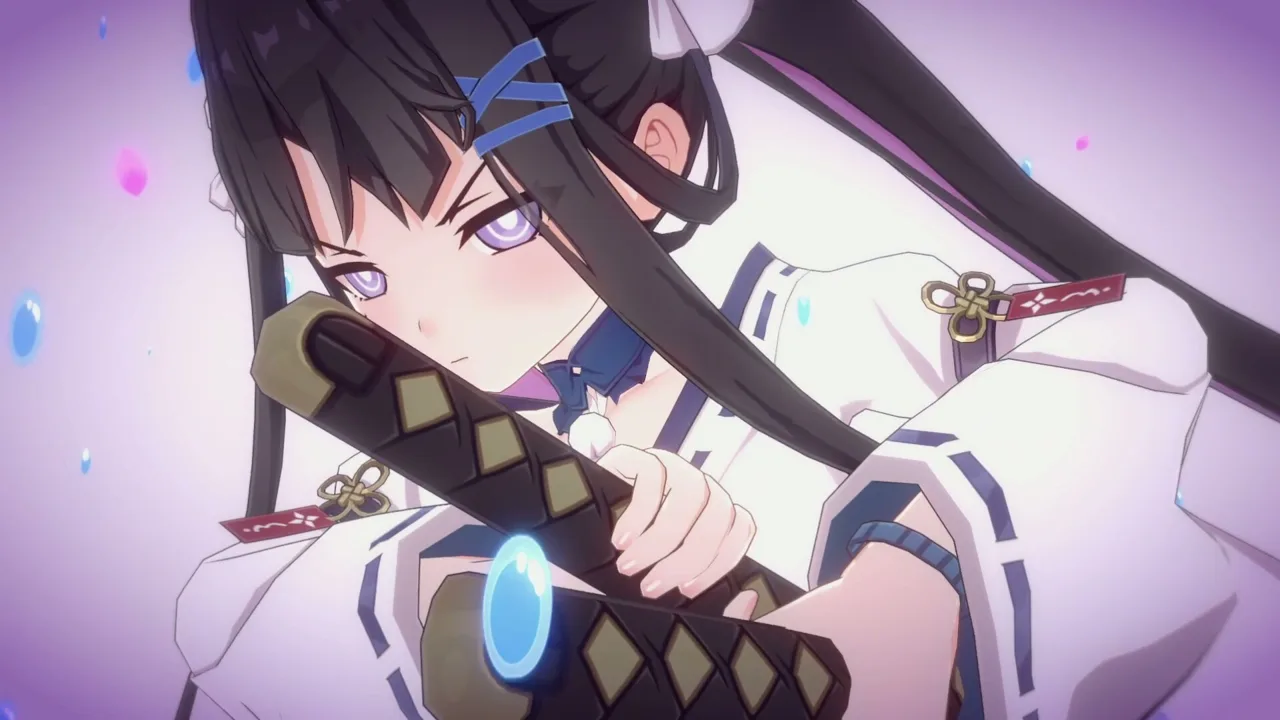 Image: Steam / YOSTAR HONG KONG LIMITED
Read any posted rules and look through the available discussion areas before sending your question. Follow the server's actual organization instead of assuming every gaming community uses the same channel names.
For gameplay questions, include your current squad, the mode you're playing, and the problem stopping your progress. For login trouble, identify the platform and login method without sharing verification codes or private account information.
| Question topic | Useful details to include |
|---|---|
| Trekker squad advice | Your available Trekkers, current main Trekker, and support choices |
| Ascension help | Your squad, chosen Potentials, and the encounter causing trouble |
| Event planning | The event name and the reward or mission you're targeting |
| Steam account access | Your previous platform and whether you used email, Google, Apple, or guest login |
| Recruitment decisions | The featured Trekker or Disc you're considering and your existing squad |
Search for the character or event name before posting. Use the game's spelling: Firstlight Noya, Freesia, Gerie, and Chitose are much easier to identify than vague descriptions or nicknames.
Keep gameplay discussion separate from account recovery. Other players can help you understand a login method, but customer service handles problems requiring access to your account.
When comparing answers, ask for the reasoning. A recommendation becomes more useful when it explains the squad's interactions, the enemy's weakness, and the resources needed to make the setup work.
Ask Better Questions About Trekkers and Builds
Stella Sora uses top-down, squad-based combat built around Trekkers and their abilities. Your combat team has three Trekkers: one main Trekker and two support Trekkers. The main Trekker uses basic attacks, a main skill, and an ultimate, while support Trekkers contribute support skills and ultimates.
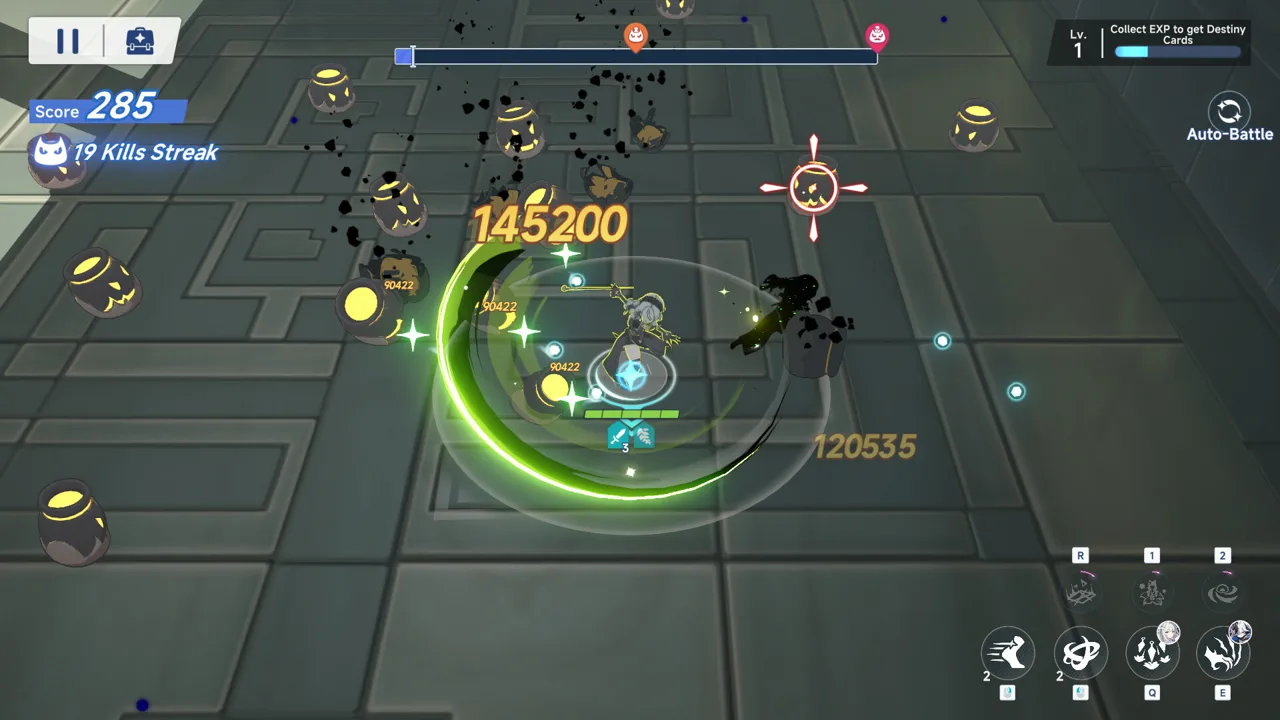 Image: Steam / YOSTAR HONG KONG LIMITED
That structure gives you a useful starting point for Stella Sora Discord discussions: explain who you're controlling and what the other two characters contribute.
Show the Whole Squad
A character question without teammates leaves out part of the build. Include your support choices and Discs when asking about damage or team composition.
Trekkers belong to Vanguard, Versatile, or Support classes and use one of six elements: Ignis, Aqua, Terra, Ventus, Lux, or Umbra. Match your question to the encounter's elemental weakness, especially when choosing between squads.
Ask something concrete, such as:
- “Which of my support Trekkers fits this main Trekker?”
- “What should I change for this enemy's elemental weakness?”
- “Which Potentials support the interaction I'm trying to build?”
- “Does this suggestion require a Disc I don't own?”
These questions keep the discussion focused on decisions you can actually make.
Include Potentials and the Mode
Ascension runs involve collecting Potentials as you climb through Monoliths. You can save a completed run's setup as a Record and use it in other modes.
When asking about a build, include the relevant Potentials instead of sharing only your character lineup. The same Trekkers don't explain every difference between two setups.
Separate your immediate goal from your longer plan. Clearing an encounter with your current roster is a different question from deciding which element to develop next.
Keep Advice Tied to the Current Version
Version 2.0 introduces Firstlight Noya as a limited ★5 Lux Trekker and My Guiding Star as a limited ★5 Lux Disc. Those additions give returning players a reason to revisit older Lux discussions.
Ask which version a recommendation addresses, and describe your roster before following it. Avoid spending materials simply because someone posts a strong clear with characters or equipment you don't have.
Use the Stella Sora Discord to understand a build's requirements before committing your resources.
Track Version 2.0 Events and Reward Deadlines
Version 2.0 is scheduled around the October 19, 2026 maintenance. Its anniversary activities include limited recruitment, login rewards, event missions, and permanent additions.
 Image: Steam / YOSTAR HONG KONG LIMITED
Use the Stella Sora Discord alongside in-game announcements to keep your plans organized. Pay attention to each activity's ending time: the anniversary schedule contains several different deadlines.
The following activities begin after maintenance on October 19. All ending times below use UTC-7.
| Activity | Featured rewards or content | End date and time |
|---|---|---|
| Wholeness at Reunion's Dawn limited event | Antique Bronze Coin and an Event Shop featuring the ★5 Runic Disc Eternal Brilliance | November 2, 2026, 12:59 |
| Speed & Wheels | Sparkla's racing challenge, Stellanite Dust, and Antique Bronze Coin | November 2, 2026, 12:59 |
| One Starlit Year, Wishes Unfold | Login rewards totaling Fated Reunion Limited Ticket x100 | November 9, 2026, 19:59 |
| One Starlit Year, Warmth by Your Side | Noya's Appearance: A Moment's Rest by Your Side | November 9, 2026, 19:59 |
| At the First Piercing Light | Limited recruitment featuring Firstlight Noya | November 9, 2026, 19:59 |
Keep the ticket names separate when discussing anniversary rewards. Fated Reunion Limited Tickets and the tickets distributed through other login activities have distinct names; ask about the specific recruitment event you're planning to use.
Separate Limited Activities From Permanent Content
The Tyrant's Tower becomes permanent after the October 19 maintenance. It lets you customize your Monolith, spend time with Trekkers, collect Treasures, and complete missions for rewards.
The Main Story Special Chapter, Wholeness at Reunion's Dawn, also becomes permanent. Its second half opens after October 29, 2026, UTC-7.
Plan around the limited event deadlines while fitting permanent content into your schedule. When asking for help, distinguish the limited event from the story chapter because they share a name.
Watch the Later Openings
Firefly's rerun recruitment and its celebration event open after October 26, 2026, at 21:00 UTC-7. Bouncing Bumper Bash opens after November 2, 2026, at 21:00 UTC-7.
Convert these times to your local time zone before making a reminder. Copy the full event name and deadline into planning discussions so everyone is talking about the same activity.
Handle Steam Questions and Account Problems
Steam access is another practical reason to visit the Stella Sora Discord, especially if you're moving an existing Global account to a different platform.
As of October 19, 2026, Steam's release information lists October 19 while still marking the game as coming soon. Check the Stella Sora Steam page for availability before planning your download.
The Global Steam version supports shared account progress with Android, iOS, and the standalone PC client. Use the login method already linked to your game account. Accounts from the JP, KR, CN, and TW servers cannot log in to Stella Sora Global on Steam.
If you encounter account trouble, use these in-game routes:
| Task | Menu path |
|---|---|
| Open FAQs from the login screen | Support |
| Open FAQs while playing | Top-right Menu → Support |
| Contact customer service from the login screen | Support → Contact Us |
| Contact customer service while playing | Top-right Menu → Support → Contact Us |
| Check linked account details | Top-right Menu → Settings → Account → User Center → Go |
If Steam starts a fresh account, check whether you selected the login method linked to your existing progress. Email users should check their linked email in User Center. Google and Apple users should select the corresponding login option.
If you've been playing as a guest, link that account to email, Google, or Apple on your usual device before signing in on Steam.
Steam account login itself isn't supported by the Android, iOS, or standalone PC clients. To access that account on another platform, link an email through User Center and use email login there.
For account-specific assistance, contact customer service at stellasora.cs@yo-star.com. Include the platform, login method, and error you're encountering. Keep verification codes out of public chat.
FAQ
How do I find the official Stella Sora Discord?
Start at the game's official website and follow its community links or official-channel announcement to Discord. If an old invitation has expired, return to those channels for a current link.
When was the official Discord server announced?
The official server was announced on December 19, 2024. It provides a community destination for following updates and connecting with other players.
Can I use my existing Global account on Steam?
Yes. Sign in with the supported login method linked to your existing Global account to synchronize progress. JP, KR, CN, and TW server accounts cannot sign in to the Global Steam version.
Should I ask Discord for account recovery help?
Use customer service for account recovery or problems requiring access to your account. Open Support → Contact Us from the login screen, or use Menu → Support → Contact Us while playing.
Continue with
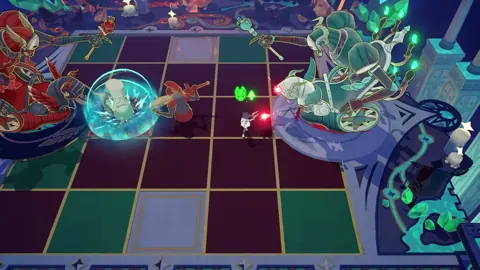 Stella Sora Reddit: Community, Builds, and DiscussionFind Stella Sora build discussions, gameplay debates, and community tips. Search the exact character or mode name before posting your team questions.
More in Community
See all Community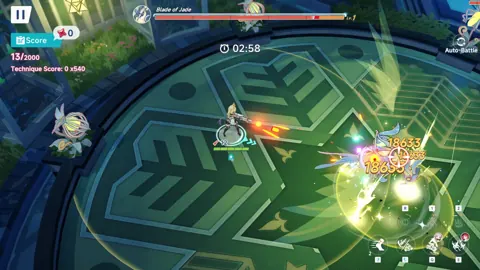
Popular pages
Stella Sora Codes: October 2026 Rewards & Redemption
Get Stella Sora codes for Stellanite Dust, check expiration dates, and learn how to redeem rewards through the official gift page and in-game mailbox.
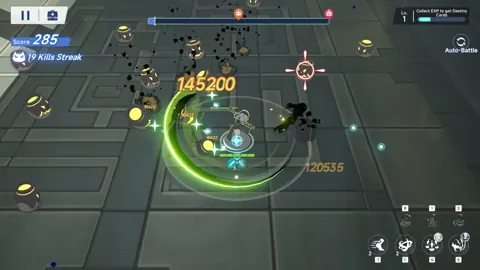
Stella Sora Beginner Guide: 12 Tips for a Strong Start
Use this Stella Sora beginner guide to build your first team, understand Ascension Records, choose useful Discs, and spend upgrade materials efficiently.
Stella Sora Tier List: Best Trekkers and Team Priorities
Use this Stella Sora tier list to compare top Trekkers, understand combat roles, and build stronger teams around Shia, Fuyuka, Nazuna, and key supports.
Stella Sora Allie Guide: Builds, Teams, and Skill Tips
Master Stella Sora Allie with Skill and Mark builds, all-Aqua teams, emblem priorities, talent tips, and Bedtime Story advice to guide your next upgrades.
Join the community
Official channels for news, updates and player help: