
Stella Sora Steam Guide: Login, Cross-Save, and Specs
Explore Stella Sora Steam with PC requirements, cross-save steps, account linking, Steam Wallet details, and fixes for missing progress before you play.
Jump to
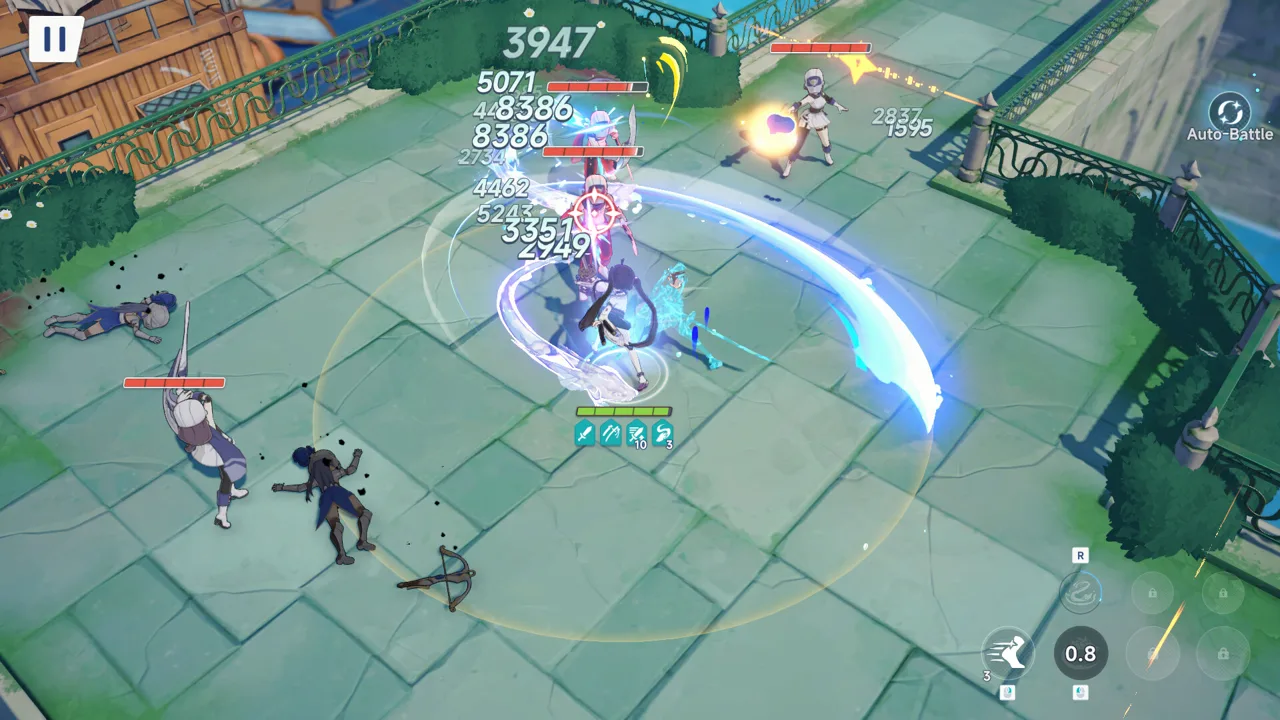
Is Stella Sora on Steam?
Stella Sora Steam gives you another way to explore Nova while keeping your existing Global account progress. That matters if you already have a Trekker squad on mobile or the standalone PC client and want to bring it over. The Stella Sora Steam release is scheduled for October 19, 2026, with the game still marked as coming soon as of this October 19 update.
You can open the Stella Sora Steam page to check availability and install when the download becomes available. The game is free to play, with in-app purchases.
| Steam release detail | What to know |
|---|---|
| Scheduled release date | October 19, 2026 |
| Status as of this update | Coming soon |
| Supported desktop platform | Windows |
| Price model | Free to play with in-app purchases |
| Developer and publisher | YOSTAR HONG KONG LIMITED |
| Account compatibility | Stella Sora Global accounts |
The Steam release and the original launch are separate dates. Stella Sora originally launched on Android, iOS, and the Windows Official Launcher on October 19, 2025, at 19:00 UTC-7. The October 2026 Steam arrival adds another PC option alongside the existing client.
For returning players, the key feature is account synchronization. Your Global progress can carry across Steam, Android, iOS, and the standalone PC client when you use the appropriate linked login. Accounts from the JP, KR, CN, and TW servers cannot log into Stella Sora Global on Steam.
Stella Sora Steam PC Requirements
The Steam version supports 64-bit Windows 10 and Windows 11. Its minimum requirements call for 8 GB of RAM and a GeForce GTX 750 or above, while the recommended configuration increases those to 16 GB and a GTX 1060 or above.
 Image: Steam / YOSTAR HONG KONG LIMITED
| Component | Minimum | Recommended |
|---|---|---|
| Operating system | Windows 10 64-bit or Windows 11 64-bit | Windows 10 64-bit or Windows 11 64-bit |
| Processor | Intel Core i3 | Intel Core i5 |
| Memory | 8 GB RAM | 16 GB RAM |
| Graphics | NVIDIA GeForce GTX 750 or above | NVIDIA GeForce GTX 1060 or above |
| DirectX | Version 11 | Version 11 |
| Available storage | 20 GB | 20 GB |
Check your operating system, memory, graphics card, and free storage before installing. Both hardware configurations require 20 GB of available space, so moving from the minimum to the recommended setup does not change that storage figure.
Native macOS and Linux versions are outside the supported Steam platforms. For a Windows installation, compare your computer against the full requirements rather than checking the graphics card alone.
Keep the recommended configuration in mind when assessing an older PC. It calls for twice the minimum RAM and a different GPU tier, but these requirements do not promise a particular frame rate or resolution.
If you already play through the Windows Official Launcher, prepare your account login before switching clients. Installing through Steam gives you another access point; selecting the login linked to your existing progress is what brings your account across.
How to Keep Your Progress on Stella Sora Steam
The Steam version supports email, Google, Apple, and Steam account login. Existing Global players can continue using their previous login method, and game data synchronizes across supported platforms.
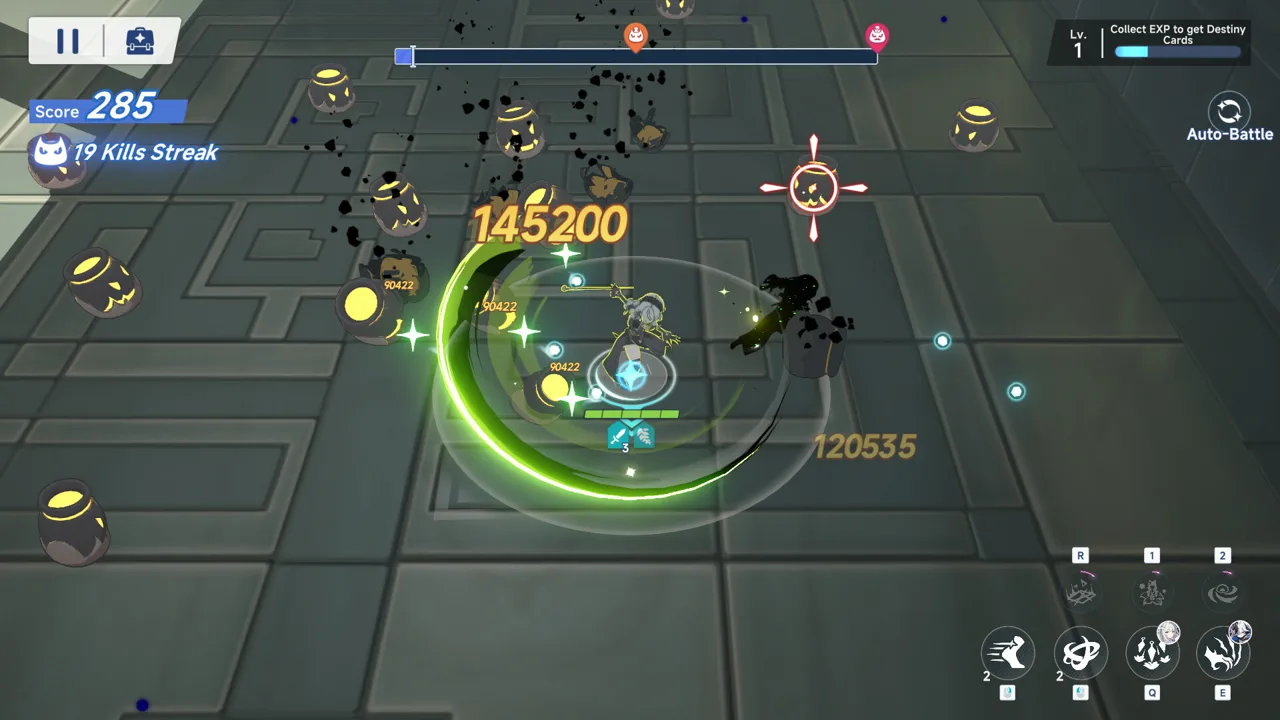 Image: Steam / YOSTAR HONG KONG LIMITED
Use the same login method attached to your existing account. Choosing Steam login simply because you launched through Steam can open a different account if that Steam identity is not linked to your original game data.
Check Your Existing Account Before Switching
On the device where your progress appears correctly:
- Open the Menu icon in the upper-right corner of the main screen.
- Select Settings → Account → User Center → Go.
- Check the account information associated with your current game data.
- Use that linked email, Google account, or Apple account when opening the Steam version.
For an email account, check the Email field in User Center. For Google or Apple login, the account shown at the top of User Center identifies the third-party account attached to your progress.
| Your previous login | What to do on Steam |
|---|---|
| Enter the linked email address and complete verification | |
| Select the Google icon and authenticate with the linked Google account | |
| Apple | Select the Apple icon and authenticate with the linked Apple account |
| Guest | First link the guest account to email, Google, or Apple on your original device |
For guest accounts, complete the linking step before moving to Steam. Open User Center on your usual device, bind a supported login, then select that same method in the Steam client.
Fix a Fresh Account or Missing Progress
If Stella Sora Steam starts with a fresh account, check the login method before assuming your progress disappeared. This usually happens when the selected login is different from the one attached to your existing account.
Return to the device where your original progress is accessible and inspect User Center. Then open the Steam version and sign in with the matching method.
For example, an account previously accessed through Google should use the Google icon on the Steam login screen. For an email account, enter the address shown in the linked Email field.
Link or Unlink Steam
Steam account binding is handled inside the game:
- Open Menu → Settings → Account → User Center → Go.
- Select Bind Other Accounts.
- Choose Bind or Unbind for your Steam account.
For access outside Steam, link an email address as well. Android, iOS, and the standalone PC client support email, Google, Apple, and guest login, but they do not support signing in directly with a Steam account.
To set up email access, open User Center, select Bind Email, and link an address. On another platform, use that email address and its verification code.
The distinction is simple: synchronized game data lets you continue across platforms, while each client still has its own supported login options.
Steam Wallet Purchases and Platform Differences
Stella Sora Steam uses Steam Wallet for in-game purchases. Item prices match those on other platforms, and the game content, events, and updates are shared across versions.
 Image: Steam / YOSTAR HONG KONG LIMITED
| Feature | Steam version | Android, iOS, and standalone PC client |
|---|---|---|
| Email, Google, and Apple login | Supported | Supported |
| Direct Steam account login | Supported | Not supported |
| Global account synchronization | Supported | Supported |
| Game content, events, and updates | Same across platforms | Same across platforms |
Choose your client around how you want to launch the game and manage purchases. You can continue your existing Global account on Steam without starting a separate squad, provided you select its linked login.
Before purchasing, verify that the account on screen is the one you intend to use. This is especially useful during your initial Steam setup, when selecting an unfamiliar login method can lead to a fresh account.
If you need account assistance, select Support → Contact Us on the login screen. From inside the game, open the upper-right Menu icon, then select Support → Contact Us. Customer support is also available at stellasora.cs@yo-star.com.
Keep the Stella Sora official website bookmarked for game notices and access to the game's official services.
What to Play Around the Steam Release
Stella Sora combines top-down squad combat with character builds, boss challenges, and exploration of labyrinths called Monoliths. You assemble a Trekker squad, develop its capabilities through Monolith challenges, and take on harder encounters.
Build around the challenge you want to tackle. Team composition and execution matter in high-difficulty events and boss battles, with leaderboards providing a competitive target.
Outside combat, Heartlink lets you chat with Trekkers, give gifts, and go on dates. Increasing affinity unlocks private character side stories. Branching narrative choices can also affect the story and its ending, while casual minigames provide another way to play and earn rewards.
The Stella Sora Steam release date coincides with the scheduled Version 2.0 update and first-anniversary activities. These events begin after maintenance on October 19, 2026, with their own closing dates.
Anniversary Rewards and Limited Events
One Starlit Year, Wishes Unfold offers 100 Fated Reunion Limited Tickets through its login event. One Starlit Year, Warmth by Your Side lets you claim Noya's appearance, A Moment's Rest by Your Side, by logging in. Both run until November 9, 2026, at 19:59 UTC-7.
Firstlight Noya, an exclusive Lux Trekker, is scheduled for the limited recruitment event At the First Piercing Light over that same period. The exclusive Lux Disc My Guiding Star appears in Resolve at the Tip of My Sword.
For event gameplay, Wholeness at Reunion's Dawn awards Antique Bronze Coin through missions. Its Event Shop includes the ★5 Runic Disc Eternal Brilliance, Cerulean Ticket, enhancement materials, and other rewards. The event runs until November 2, 2026, at 12:59 UTC-7.
Check each event's deadline separately. The anniversary login activities continue beyond the closing date of Wholeness at Reunion's Dawn.
Permanent Version 2.0 Activities
The update also adds The Tyrant's Tower, where you can customize your Monolith, spend time with Trekkers, collect Treasures, and complete missions for rewards.
The main-story special chapter Wholeness at Reunion's Dawn becomes permanent after October 19 maintenance. Its second half becomes available after October 29, 2026, UTC-7.
Separate limited-event plans from permanent content when choosing your next session. Check the closing dates on timed missions, then return to permanent story chapters and Tower activities at your own pace.
FAQ
Is Stella Sora Steam free to play?
Yes. Stella Sora is free to play on Steam and includes in-app purchases. Purchases made inside the Steam version use Steam Wallet, with item prices matching other platforms.
Can I use my existing mobile account on Steam?
Yes, if you play Stella Sora Global. Sign in using the email, Google, or Apple login linked to your existing account. Guest players should bind their account on their original device before switching. JP, KR, CN, and TW server accounts cannot log into the Global Steam version.
Why does Steam show a new account instead of my progress?
The selected login usually differs from the one linked to your existing game data. Check Settings → Account → User Center → Go on your usual device, then use the matching email, Google, or Apple login on Steam.
Can I use my Steam login on Android or iOS?
Direct Steam account login is not supported on those clients. Link an email through User Center → Bind Email, then use the linked address and verification code to access the same account on mobile.
Continue with
 Stella Sora Download: PC, Steam, iOS & Android GuideFind your Stella Sora download for PC, Android, and iOS. Check Steam launch status, Windows requirements, and account linking before you start playing.
More in Platforms
Stella Sora Mac Guide: How to Play and Keep Your Save
Explore Stella Sora mac options, install the Android version with BlueStacks Air, and learn how Steam support and account linking affect your progress.
Stella Sora PC Guide: Downloads, Steam, and Cross-Save
Play Stella Sora PC with the Windows launcher or Steam. Compare system requirements, link your account, and keep your progress across supported platforms.
Join the community
Official channels for news, updates and player help: