
Stella Sora Beginner Banner: Picks and Reroll Tips
Master the Stella Sora beginner banner with Opening Act tips, launch-era character picks, selector planning, and smart ways to save recruitment currency.
Jump to
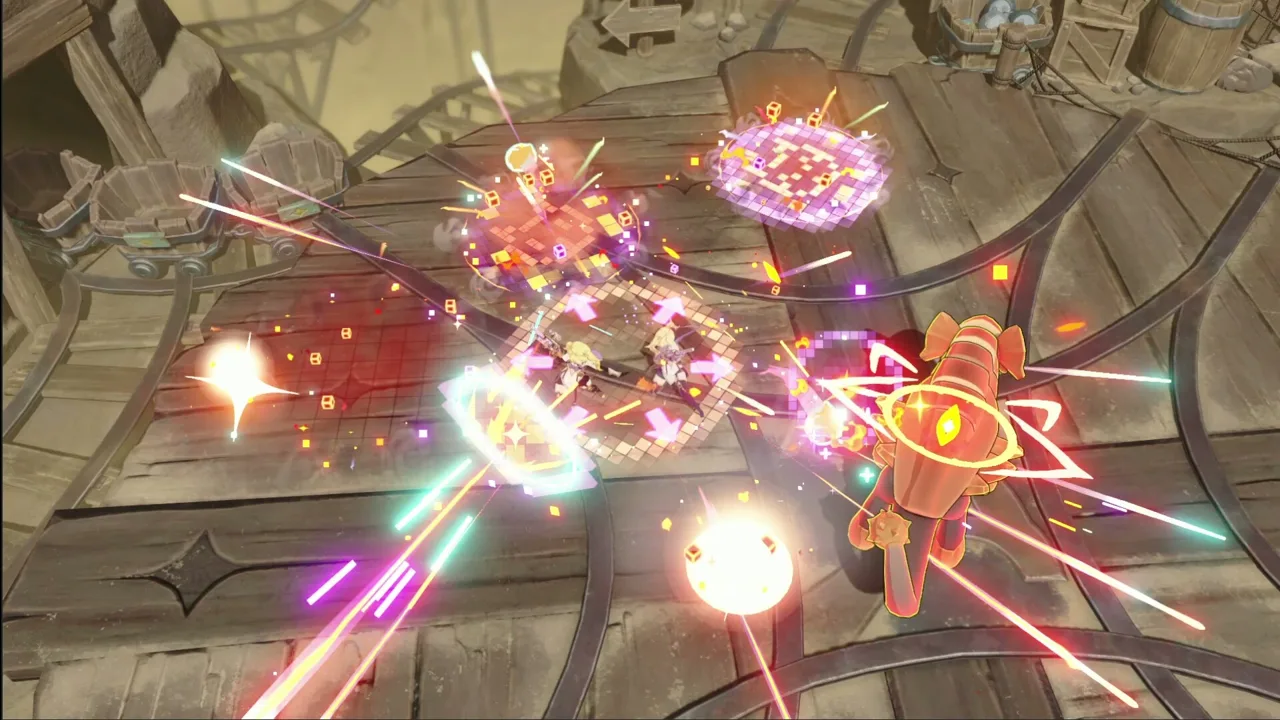
How the Stella Sora Beginner Banner Works
The Stella Sora beginner banner gives you several chances to find a starting lineup worth keeping. Your choice matters because those opening Trekkers shape the teams you can build next. Use this Stella Sora beginner banner guide to understand Opening Act, choose characters with compatible roles, and avoid spending your selector too early.
The mechanics and character priorities below cover the October 2025 launch period. Check your current Recruit screen for the active recruitment pool, banner conditions, and deadlines before committing resources.
1. Understand what the 200 recruits actually mean
Opening Act uses a selection format: you can perform up to 200 total recruits, then keep one final result. Those recruits give you opportunities to find a combination you like; you do not add every character from every attempt to your account.
That distinction changes your goal. Look for a result that helps you assemble a functioning team, rather than counting every rare character that appears along the way.
| Opening Act feature | How it works |
|---|---|
| Recruitment allowance | Up to 200 total recruits |
| Retained rewards | One final recruitment result |
| Recruitment format | Repeated attempts before choosing a result |
| High-rarity inclusion | At least one high-rarity Trekker in each 10-pull |
| Final commitment | Lock in the combination you want to keep |
2. Choose a target before starting
Pick a preferred outcome before working through the banner. For a launch-era Terra team, that means aiming for Gerie or Nazuna. For a Ventus lineup, Nanoha is another strong target.
Keep your existing roster in view while comparing results. A character who fills an empty role can be more useful to your account than another character competing for the same position.
Write down a primary target and an acceptable alternative. This gives you a clear stopping point and keeps the decision focused on your team.
3. Review the whole result before confirming
Inspect the complete lineup before locking it in. Your headline character matters, but the other Trekkers can also influence which teams you can assemble.
Ask yourself:
- Does this result include the character I wanted?
- Can I pair that character with useful teammates?
- Does my selector help complete the lineup?
- Am I choosing a favorite I will enjoy building?
Confirm once you are comfortable with the result and the banner’s commitment rules.
Official page: Stella Sora (stellasora.global)
Combat Picks: Build Around Roles and Elements
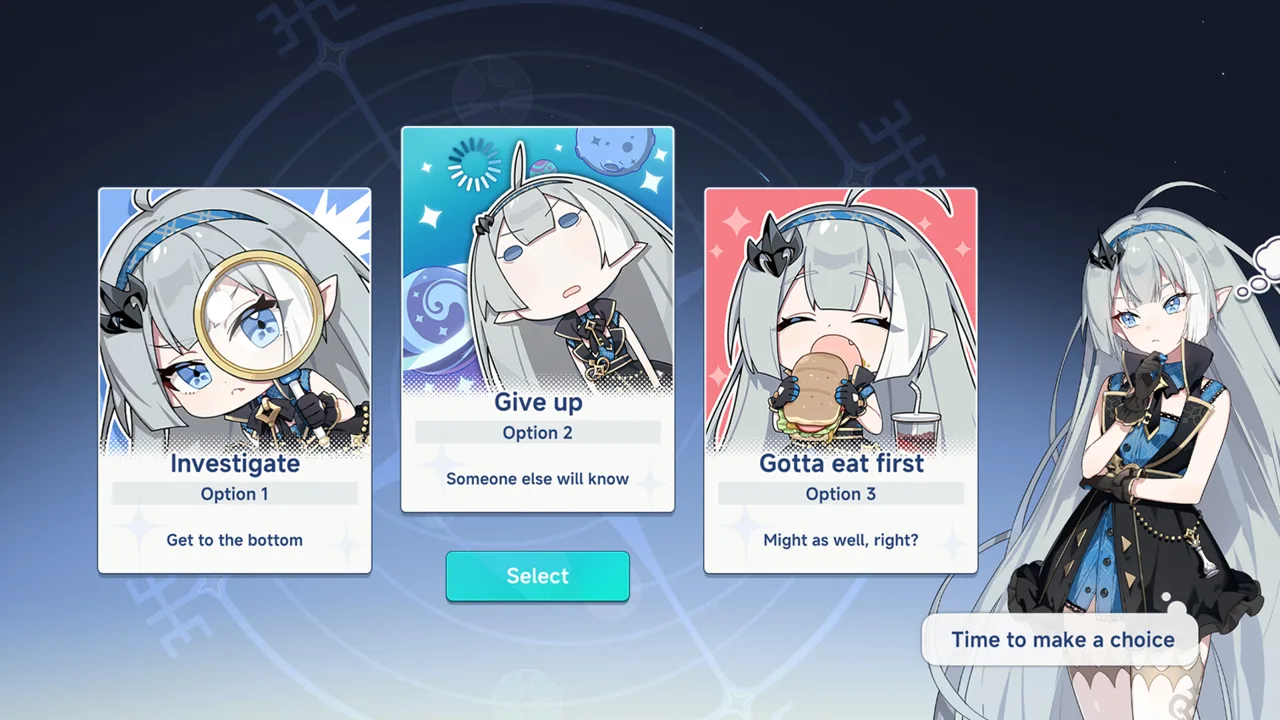 Image: Steam / YOSTAR HONG KONG LIMITED
4. Consider Gerie and Nazuna for a Terra foundation
For the launch-era Stella Sora beginner banner, Gerie and Nazuna form a particularly useful pairing. Gerie supplies damage, while Nazuna contributes healing and an attack buff.
That division gives each character a clear purpose. Gerie handles offense, and Nazuna helps support the team through longer fights. Their combination is also appealing if you prefer using auto combat, where healing can help keep the main Trekker alive.
Ridge provides another Terra teammate option. If you already own one member of the Gerie–Nazuna pair, target the other when planning your beginner selection or selector.
| Trekker | Element | Launch-era role or strength |
|---|---|---|
| Gerie | Terra | Damage dealer with strong burst damage |
| Nazuna | Terra | Support with healing and an attack buff |
| Nanoha | Ventus | Strong damage option |
| Freesia | Aqua | Solid alternative recruitment target |
| Minova | Lux | Damage option for a Lux lineup |
| Chixia | Ignes | Can serve in damage or support positions |
| Mistique | Umbra | Support option with ghost summons and an area-damage ultimate |
5. Choose Nanoha when you want a Ventus damage dealer
Nanoha stands alongside Freesia as a solid launch-era alternative to pursuing the Terra pair. Her damage makes her an attractive target when you want to build a Ventus team.
Check which supporting characters you already have before choosing her. A damage dealer becomes easier to build around when the rest of the roster can support that element.
Keep your investment focused, too. The launch-era progression advice emphasizes how demanding early character development can be. Avoid heavily developing several competing damage dealers at once when you already know which one you want to use.
6. Let your existing roster guide the other choices
Freesia remains an option for players who want an Aqua lineup. If you already have Chitose, consider whether another Aqua character serves your immediate plan or whether you would rather develop another element.
Minova makes sense when you want to complete a Lux team and already have supporting pieces. Chixia offers flexibility between damage and support positions, while Mistique is worth considering for an Umbra support role.
Choose the character that helps finish a team you intend to play. Personal preference also matters: these choices give you different directions to pursue, and a favorite character can be a perfectly reasonable target.
Selector Planning: Make Your Two Choices Work Together
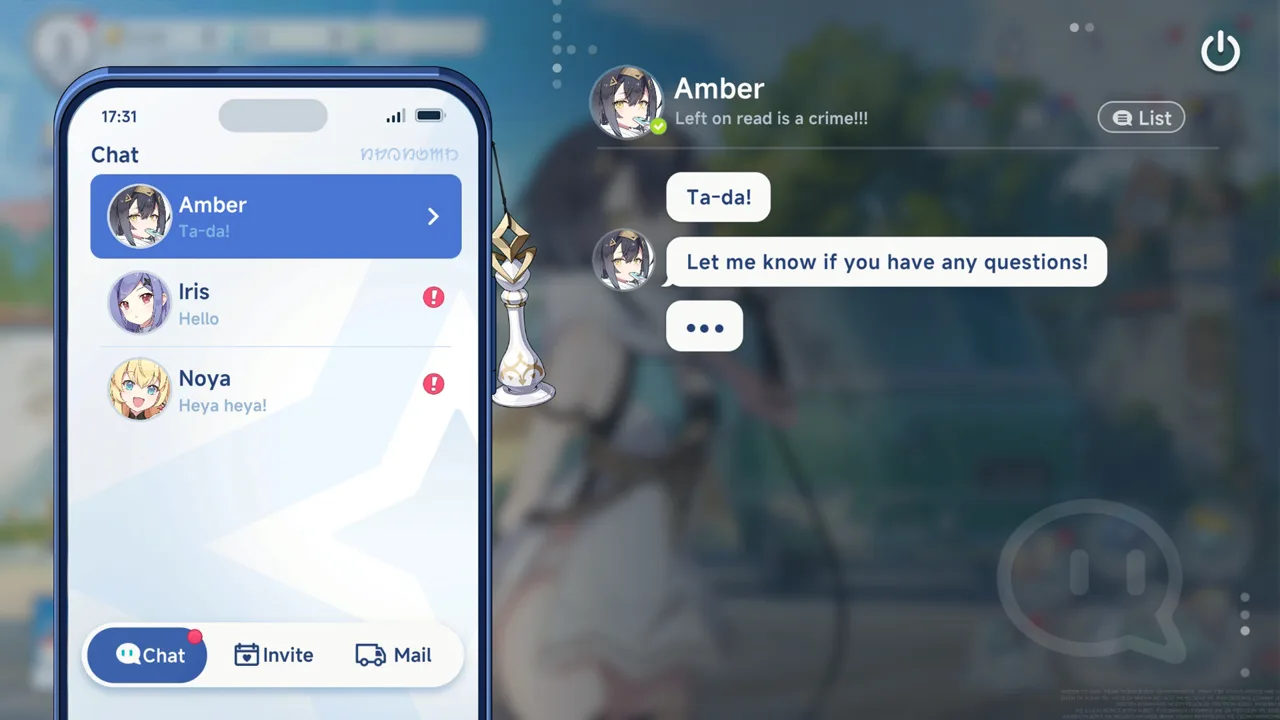 Image: Steam / YOSTAR HONG KONG LIMITED
7. Pair Opening Act with your five-star selector
The Stellar Resume Pack is a five-star Trekker selector. Plan it alongside the Stella Sora beginner banner so that both choices contribute to your roster.
The straightforward launch-era Terra route is to obtain either Gerie or Nazuna from Opening Act, then select the missing partner. You finish with a damage dealer and a support whose roles complement each other.
Avoid making both decisions in isolation. Review your retained beginner result and your other recruitment outcomes before spending the selector.
| Your roster or goal | Selector planning tip |
|---|---|
| You have Gerie and want Terra | Select Nazuna to add healing and attack support |
| You have Nazuna and want Terra | Select Gerie to add a Terra damage dealer |
| You want a Ventus damage dealer | Consider Nanoha alongside your available supports |
| You have Lux supports ready | Consider Minova to complete that lineup |
| You are still pulling before choosing | Review those results before using the selector |
8. Delay the selector when another recruitment result will affect your choice
If you already plan to recruit on a featured banner, finish those pulls before selecting a character. Your results can change which role or element needs attention.
For example, obtaining one of your intended selector targets through recruitment lets you reconsider the selection. You can then complete a pairing or expand into another team.
Check the selector’s expiration information before waiting. Keep the decision tied to a specific recruitment plan, rather than postponing it indefinitely while your roster needs help.
The goal is simple: make the selector fill a remaining gap after your other choices have taken shape.
Resource Tips: Separate Character Pulls From Disc Pulls
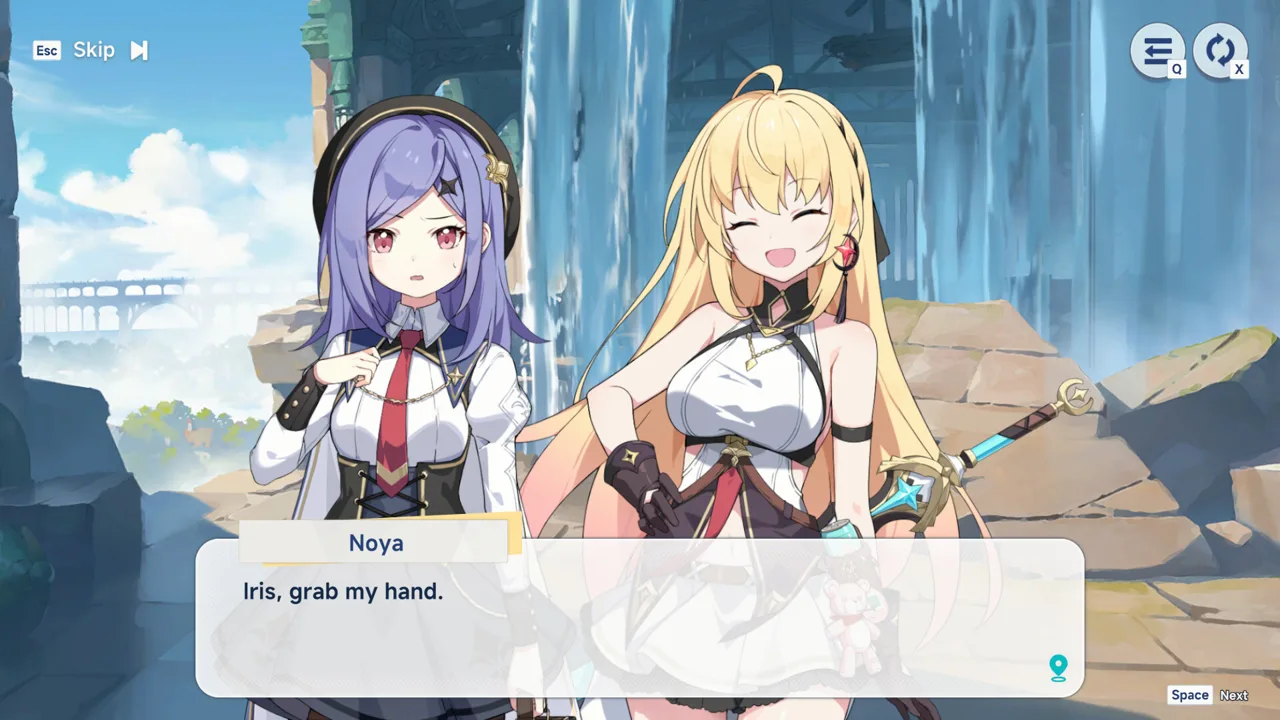 Image: Steam / YOSTAR HONG KONG LIMITED
9. Learn which banner does which job
The Stella Sora beginner banner recruits Trekkers, the playable characters at the center of your team. Disc recruitment serves a separate purpose: Discs provide stat boosts and effects that improve your Records.
Prioritize assembling your early Trekker roster before chasing equipment for several unfinished teams. Once you have a stable lineup, examine which Discs support the characters you actually use.
The launch-era recruitment lineup separates these functions clearly:
| Banner | Recruitment category | Purpose |
|---|---|---|
| Opening Act | Beginner Trekker recruitment | Choose one final starter result |
| Boss’s Regulars | Permanent Trekker recruitment | Recruit from the standard character pool |
| Blades Beneath the Moon | Limited Trekker recruitment | Launch-era featured banner including Chitose |
| Moon upon Still Waters | Limited Disc recruitment | Recruit featured equipment |
| Memories Rewind | Permanent Disc recruitment | Recruit general equipment |
Treat those limited banner names as launch-period examples. Open the current Recruit menu to see the events available to your account.
10. Match your currency to your recruitment plan
Cerulean Tickets and Sprout Tickets are used for Trekker recruitment. Gold Discs and Silver Discs serve Disc recruitment, while Stellanite Lumina is premium currency used across banners.
Inspect the currency displayed on each banner before pulling. Different recruitment items have different uses, so plan around the tickets you actually own.
Use permanent-banner tickets for their designated recruitment options, and save premium Lumina for featured Trekkers you want. Check the Permit Exchange for recruitment materials, including its stock and refresh timers, before spending exchange resources elsewhere.
Keep your spending priorities connected:
- Choose the team you want to develop.
- Identify the missing Trekker or role.
- Check which recruitment option offers it.
- Spend the appropriate currency only after reviewing the banner details.
Rerolling Tips and Mistakes to Avoid
11. Use featured-first rerolling when that character is your priority
Opening Act selection and account rerolling are separate decisions. The Stella Sora beginner banner lets you choose a retained recruitment result; account rerolling means starting another account to try its early pulls again.
At launch, the featured-first strategy targeted Chitose before completing Opening Act. After obtaining her, players could aim for Gerie or Nazuna on the beginner banner, then use the selector for the missing Terra partner.
Follow that order only when the featured character is central to your plan. Choose your target first so you know what result you are pursuing.
12. Keep guest rerolling separate from an account you want to keep
The October 2025 guest route began with the Guest login, identified by a rocket ship icon. Players advanced until Opening Act became available, used the tutorial’s Skip prompts, and confirmed the prompt about leaving Opening Act unfinished.
After reaching the relevant menus, they claimed mail and attempted their featured recruitment.
The launch-era restart route used Menu > Settings > User Center > Delete Account, followed by Log in to another account and a new Guest login. Use account deletion only on a disposable guest account you intend to abandon. Check the account identity before taking that step.
13. Stop when your team plan comes together
Set your stopping condition before rerolling: a favorite featured Trekker, a Terra pairing plan, or a beginner result containing your chosen damage dealer.
Avoid repeatedly changing the target after every recruitment screen. A clear goal makes each result easier to judge and keeps you from discarding a lineup that already meets your needs.
Once you retain your Opening Act result, put your resources toward the team it supports. Develop that lineup before spreading investment across every element. Save additional team projects for when you have the characters and resources to pursue them.
FAQ
Does the Stella Sora beginner banner let you keep all 200 recruits?
Opening Act’s October 2025 format provides up to 200 total recruits, but you retain one final result. The recruitment allowance gives you multiple chances to find the combination you want.
Who should I target on Opening Act?
For a launch-era Terra plan, target Gerie or Nazuna and use the Stellar Resume Pack for the other. Nanoha and Freesia are solid alternatives. Choose around your preferred element and existing teammates.
Should I use my five-star selector immediately?
Review your beginner result and any recruitment you already intend to complete first. Then use the selector to fill a remaining role or complete a pairing, while checking its expiration information.
Should beginners prioritize Trekkers or Discs?
Prioritize Trekkers while assembling your early roster. Characters determine your available team compositions, while Discs strengthen Records through stats and effects. Focus your equipment plans once you have a stable team.
Continue with
 Stella Sora Gacha Rates: Pity, Banners, and Pull TipsUnderstand Stella Sora gacha rates, launch-era pity, Trekker and Disc banners, and Version 2.0 anniversary rewards before spending your tickets and Lumina.
More in Banners
Stella Sora Banners All Time: History and Rerun Guide
Explore Stella Sora banners all time, including Trekker and Disc banner names, reruns, and the Version 2.0 anniversary schedule. Plan your next pulls.
Stella Sora Pity System: Guarantees and Banner Rules
Learn the Stella Sora pity system, including the 120-pull spark, 160-pull character guarantee, Disc odds, and how banner carryover affects saving plans.
Stella Sora Upcoming Banners: Noya and Firefly Dates
Stella Sora upcoming banners feature Firstlight Noya and Firefly. Check Version 2.0 dates, anniversary tickets, and Disc events before planning your pulls.
Join the community
Official channels for news, updates and player help: