
Stella Sora Download: PC, Steam, iOS & Android Guide
Find your Stella Sora download for PC, Android, and iOS. Check Steam launch status, Windows requirements, and account linking before you start playing.
Jump to
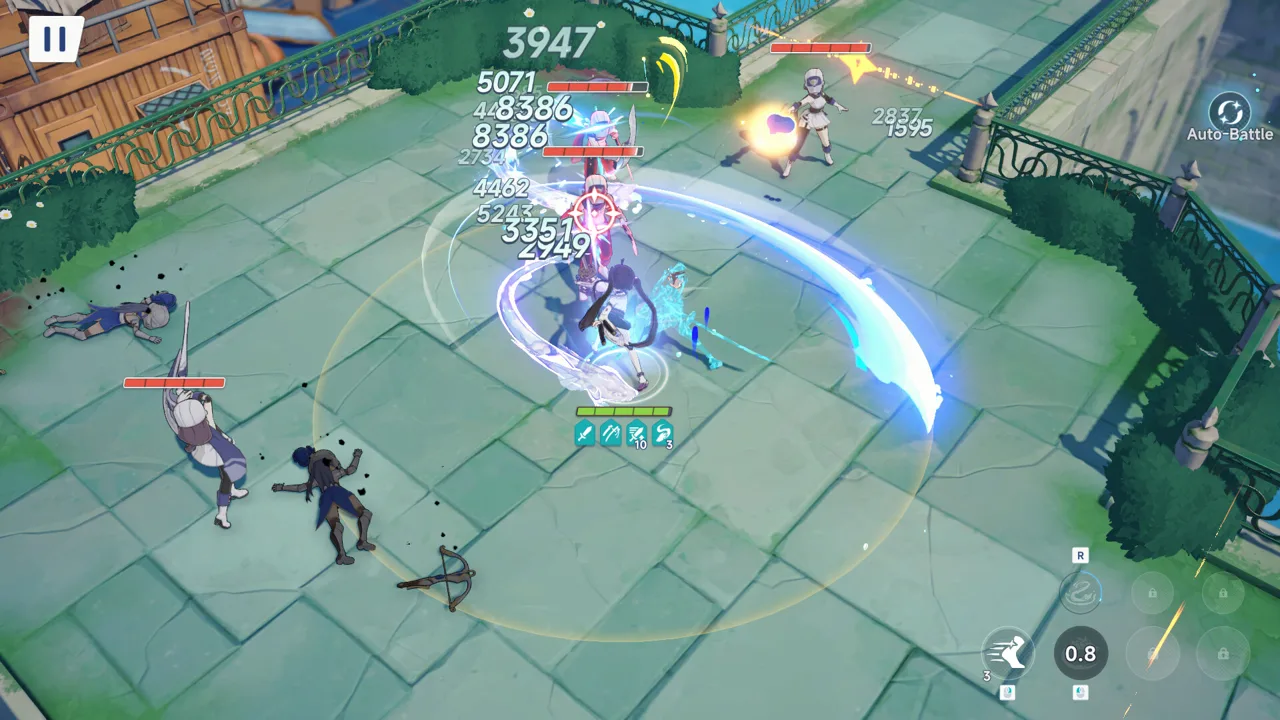
Where to Get Your Stella Sora Download
Your Stella Sora download starts with choosing a platform and keeping your account connected. The game is available on Android, iOS, and the Windows launcher, while Steam has an October 19, 2026 release date and remains marked Coming Soon as of October 19. Choosing the right Stella Sora download route matters because you can continue your Global account across platforms by using the login already linked to your progress.
Stella Sora is a free-to-play fantasy RPG with top-down combat, customizable Trekker squads, and labyrinth expeditions through the Monoliths. You play as the Tyrant, exploring Nova and building relationships with the characters who join your adventures.
Use these download destinations to get started:
| Platform | Download destination | Availability |
|---|---|---|
| Windows launcher | Stella Sora website | Released |
| Android | Stella Sora on Google Play | Released |
| iOS | Stella Sora on the App Store | Released |
| Steam for Windows | Stella Sora on Steam | October 19, 2026 release date; marked Coming Soon |
The Android, iOS, and Windows launcher release began on October 19, 2025, at 19:00 UTC-7. Steam’s October 2026 date concerns the Steam version.
If you already play on mobile or through the Windows launcher, check your account connection before switching. Your existing email, Google, or Apple login can carry your Global account into Steam. Choosing an unrelated Steam login can instead open a fresh account.
Stella Sora on PC: Windows Launcher, Steam, and Requirements
There are two Windows routes to consider: the existing PC launcher and Steam. For a Stella Sora download through the standalone launcher, start at the game’s website. For Steam, use the game page linked above and check whether installation has opened.
 Image: Steam / YOSTAR HONG KONG LIMITED
The Steam version supports Windows. Its platform support does not include native macOS or Linux versions.
Check Your Windows Hardware
The following requirements apply to the Steam version:
| Component | Minimum | Recommended |
|---|---|---|
| Operating system | Windows 10 or Windows 11, 64-bit | Windows 10 or Windows 11, 64-bit |
| Processor | Intel Core i3 | Intel Core i5 |
| Memory | 8 GB RAM | 16 GB RAM |
| Graphics | NVIDIA GeForce GTX 750 or above | NVIDIA GeForce GTX 1060 or above |
| DirectX | Version 11 | Version 11 |
| Available storage | 20 GB | 20 GB |
Check your available storage before starting the Stella Sora download. The Steam requirements call for 20 GB of free space; that figure is a storage requirement, not an exact download size.
Compare your processor, graphics card, and memory separately. Meeting the RAM requirement alone does not mean the rest of your hardware meets the minimum specifications.
What Changes When You Use Steam?
Steam supports the existing email, Google, and Apple login methods, plus Steam account login. Game content, events, and updates are shared across the platforms, so moving to Steam lets you continue the same adventure.
Purchases work differently: in-game purchases on Steam use your Steam Wallet, and item prices are the same as on other platforms.
Choose your PC route around the account and payment setup you want to use. If you have an established Global account, keep its existing login handy before opening the Steam version. You do not need to start over simply because you change clients.
How to Download Stella Sora on Android and iOS
For a mobile Stella Sora download, open the Google Play or App Store link for your device. The Android app is published under Yostar Limited., while the iOS seller is YOSTAR (HONG KONG) LIMITED.
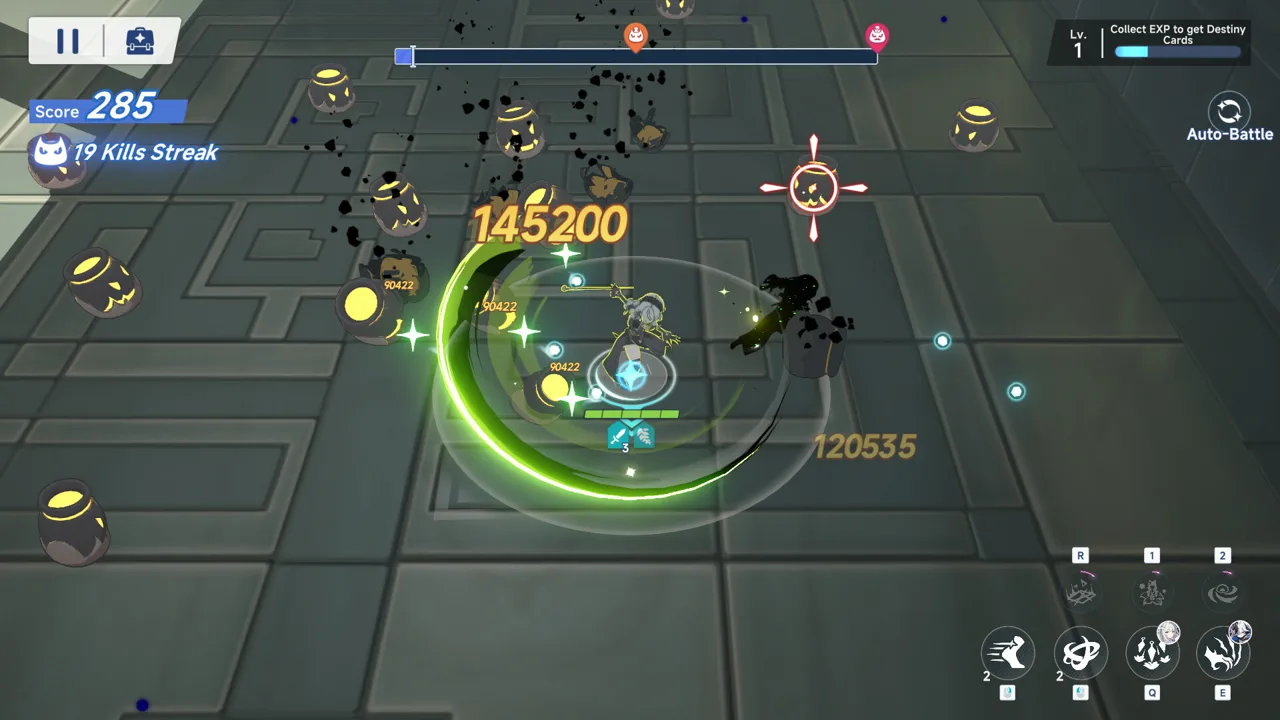 Image: Steam / YOSTAR HONG KONG LIMITED
On Android, the game’s package identifier is com.YoStarEN.StellaSora. The iOS app ID is 6738407069. These identifiers help distinguish the correct app when you are comparing search results.
Use this short checklist before moving from another device:
- Check which login method holds your current progress.
- Link a guest account before attempting to use it elsewhere.
- Sign in with the same linked account after installing.
- Review current in-game announcements for maintenance and update information.
Stella Sora includes in-app purchases. On Google Play, its Teen rating covers violence, blood, suggestive themes, and language. Purchases include randomized items.
What You’ll Be Installing
The main combat loop revolves around squads of three Trekkers. You assign main and support roles, then select randomized perks while climbing the Monoliths. Each Trekker has two skill sets tied to those roles, giving you different ways to build a squad.
Experiment with role assignments as you learn your characters. The role system and randomized perks give you reasons to adjust a team instead of repeating the same setup every run.
Outside combat, branching story choices shape the narrative. Heartlink lets you exchange messages, give gifts, and spend time with Trekkers to develop relationships and open their personal stories. Additional modes include challenging battles and casual minigames.
Keep Your Progress When Switching Platforms
Before starting a Stella Sora download on another platform, identify the account you want to continue. Global account data can synchronize between Steam, Android, iOS, and the Windows client.
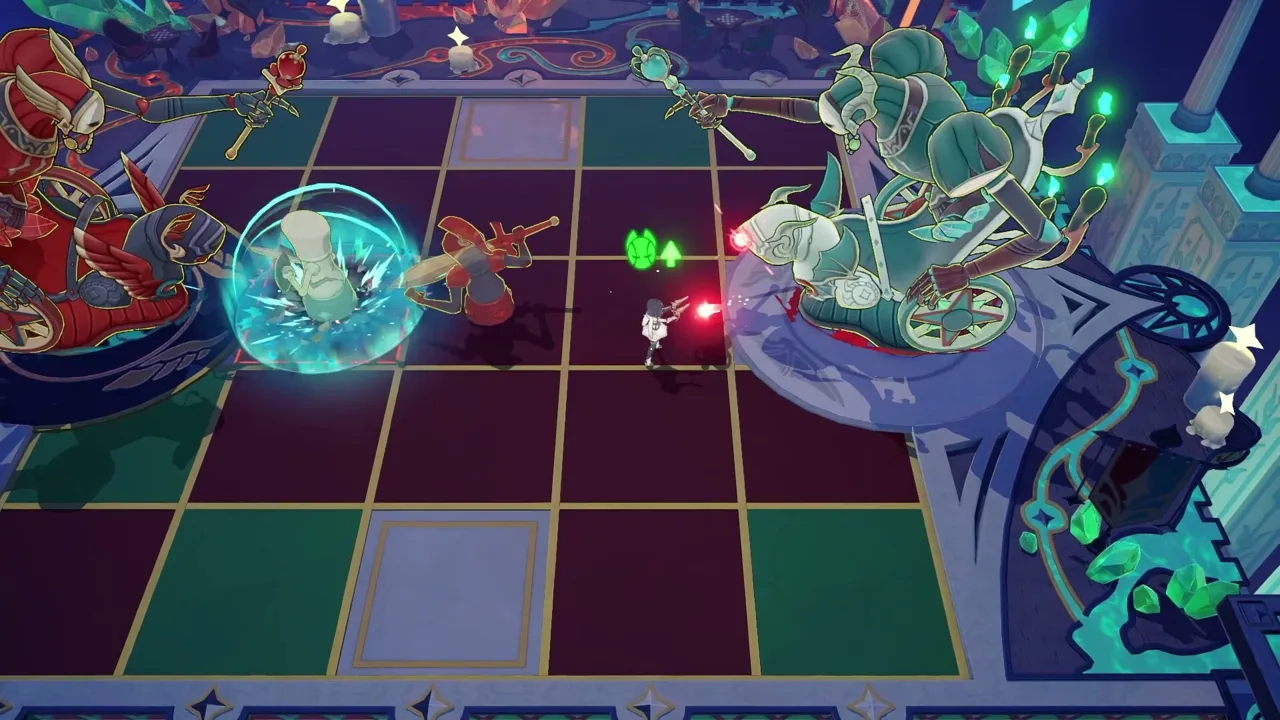 Image: Steam / YOSTAR HONG KONG LIMITED
The key is using the login connected to that data.
| Your current login | What to do on Steam | Account detail to check |
|---|---|---|
| Enter the linked email and complete verification | Email shown in User Center | |
| Select the Google login option | Linked Google account | |
| Apple | Select the Apple login option | Linked Apple account |
| Guest | Link email, Google, or Apple on your original device first | Complete account linking before switching |
| Steam account | Use the linked Steam login on Steam | Bind an email to access the account on other platforms |
Find Your Existing Account Details
On the device where your progress already appears, follow this menu path:
- Open the menu in the upper-right corner of the main screen.
- Select Settings.
- Open Account.
- Select User Center, then Go.
For email login, check the email displayed in User Center. Enter that address when signing in on Steam and complete verification.
For Google or Apple login, check the account shown at the top of User Center. On Steam’s login screen, select the matching Google or Apple icon and complete verification with that account.
Keep the login method consistent as well as the account identity. If your progress is attached to Google login, choose Google when opening the game on Steam.
Link a Guest Account Before Switching
If you play as a guest, return to your original device and open User Center through the menu path above. Link the game account to email, Google, or Apple.
Then open Stella Sora on Steam and choose the method you just linked. This connects the Steam session to the account that already contains your progress.
Use a Steam-Created Account on Mobile
Steam account login itself is not supported by the Google Play, iOS, or standalone PC client versions. To continue that account elsewhere:
- Open Settings → Account → User Center → Go.
- Select Bind Email and link an email address.
- On the other platform, enter that email and its verification code.
You can also manage Steam linking through Bind Other Accounts, where Bind and Unbind control the Steam connection.
These cross-platform options apply to Stella Sora Global. JP, KR, CN, and TW server accounts cannot log in to the Global Steam version.
Fix Account Problems and Check Update Notices
If your Stella Sora download finishes but the game opens without your familiar progress, check the login before creating another account. Selecting a login that is not linked to your existing data can make the game start fresh.
| What you encounter | What to do |
|---|---|
| Steam opens a fresh account | Return to your original device and check the linked login in User Center |
| You previously played as a guest | Link email, Google, or Apple on the original device |
| Steam login does not work on mobile | Bind an email, then use email verification on mobile |
| A JP, KR, CN, or TW account cannot enter Global Steam | Use the version associated with that server account |
| You need account assistance | Open Support from the login screen or the main menu |
For account help, select Support → Contact Us on the login screen. From inside the game, open the upper-right menu, select Support, and then choose Contact Us.
For installation and login timing around updates, check the game’s announcements. October 19, 2026 includes a Version 2.0 maintenance notice, and Steam’s scheduled release falls on that same date. Check the current notice before planning a switch between clients.
Keep Historical Rewards Separate From Current Events
The original October 2025 launch included recruitment tickets, upgrade materials, and other rewards. Those launch announcements belong to that release period.
After installing, review the current in-game events for their requirements and schedules. Use the Stella Sora website to check current news, then follow the relevant event instructions in the game.
If you are returning after a break, recover your established account before exploring the current update. That keeps your platform change tied to the progress you intended to continue.
FAQ
Is the Stella Sora download free?
Yes. Stella Sora is free to play and includes in-app purchases. On Steam, in-game purchases use your Steam Wallet, with item prices matching the other platforms.
Can I download Stella Sora on Steam now?
Steam has a scheduled release date of October 19, 2026, and remains marked Coming Soon in the October 19 status. Check the Steam game page for installation availability. Android, iOS, and the standalone Windows launcher have already released.
Can I keep my mobile progress on PC?
Yes. Stella Sora Global supports synchronized account data across Android, iOS, Steam, and the Windows client. Use the login already linked to your progress. If you play as a guest, link email, Google, or Apple on your original device before switching.
How much storage does Stella Sora need on PC?
The Steam version requires 20 GB of available storage under both its minimum and recommended requirements. It also requires 64-bit Windows 10 or Windows 11, DirectX 11, and at least 8 GB of RAM.
Continue with
 Stella Sora Mac Guide: How to Play and Keep Your SaveExplore Stella Sora mac options, install the Android version with BlueStacks Air, and learn how Steam support and account linking affect your progress.
More in Platforms
Stella Sora PC Guide: Downloads, Steam, and Cross-Save
Play Stella Sora PC with the Windows launcher or Steam. Compare system requirements, link your account, and keep your progress across supported platforms.
Stella Sora Steam Guide: Login, Cross-Save, and Specs
Explore Stella Sora Steam with PC requirements, cross-save steps, account linking, Steam Wallet details, and fixes for missing progress before you play.
Join the community
Official channels for news, updates and player help: