
Stella Sora PC Guide: Downloads, Steam, and Cross-Save
Play Stella Sora PC with the Windows launcher or Steam. Compare system requirements, link your account, and keep your progress across supported platforms.
Jump to
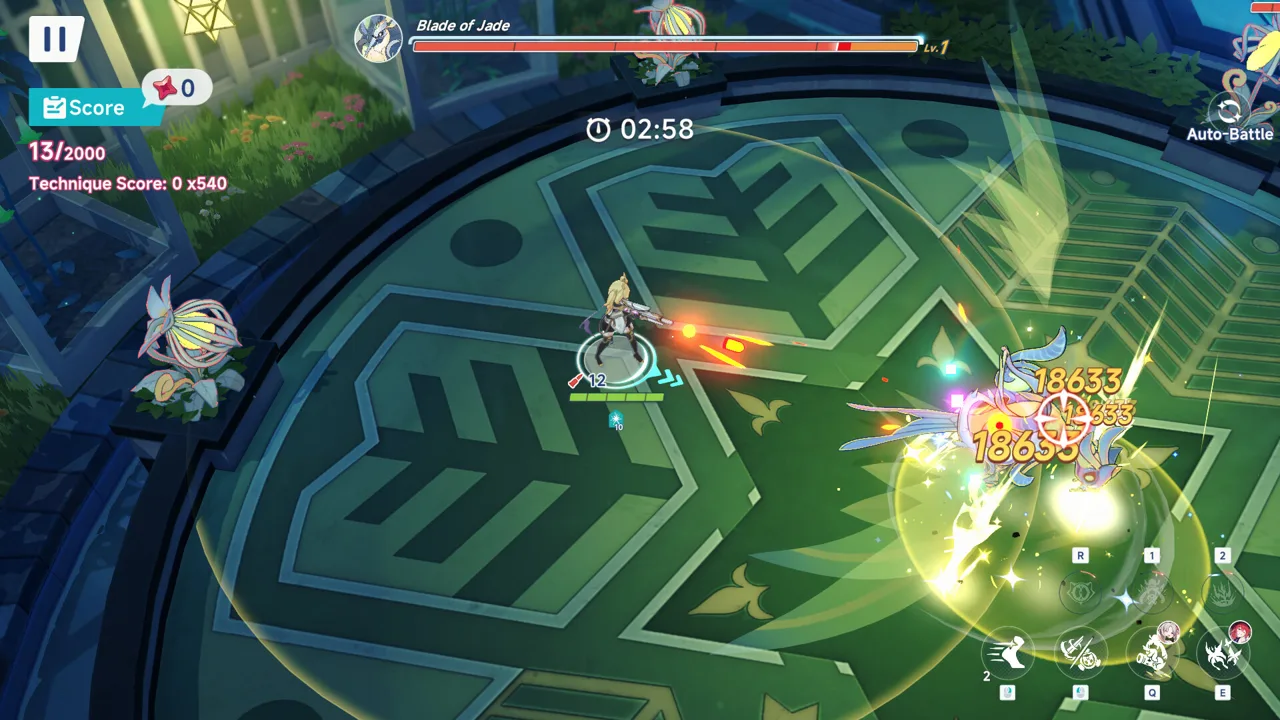
Can You Play Stella Sora on PC?
Stella Sora PC brings Nova’s Monolith expeditions and Trekker squads to Windows through a dedicated launcher. Moving to a desktop matters because you can continue your existing Global account’s progress across supported platforms. This Stella Sora PC guide covers your download options, hardware requirements, and account setup so you can get back to your squad.
The Windows launcher launched alongside Android and iOS on October 19, 2025, at 7:00 p.m. UTC-7. Steam is a separate release scheduled for October 19, 2026; as of this guide’s October 19 update, its release status remains “coming soon.”
That distinction matters if you want to play immediately. The existing Windows client already provides a PC route, while Steam adds another way to access the Global version.
| Platform or client | Availability | Account access |
|---|---|---|
| Windows launcher | Launched October 19, 2025 | Email, Google, Apple, or guest |
| Steam | Scheduled October 19, 2026; currently marked coming soon | Existing login methods plus Steam login |
| Android | Available | Shares linked Global account data |
| iOS | Available | Shares linked Global account data |
Stella Sora is free to play, with in-app purchases. Across its platforms, the game shares the same content, events, and updates. Choosing Steam or the standalone Windows client therefore comes down to how you want to launch the game, sign in, and handle purchases.
For an existing player, the account choice deserves attention before the download. Your login method is what connects the desktop client to the Trekkers and progress you already have.
Stella Sora PC Downloads: Windows Launcher and Steam
Start with the Stella Sora website for the Windows launcher or visit the Stella Sora Steam page for the Steam release.
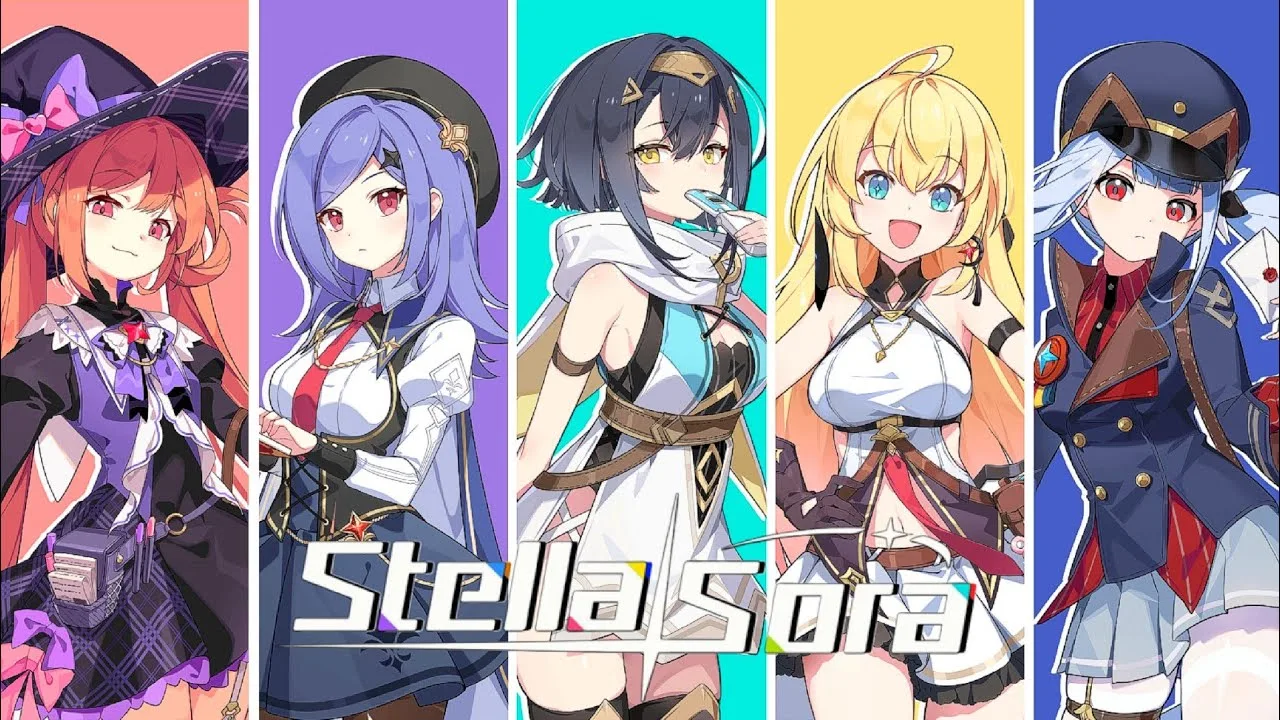
Both routes provide a Windows version. You do not need an Android emulator to use the dedicated Windows launcher.
Using the Windows launcher
Download the Windows launcher through the game’s website, then sign in using the account method you already use. The standalone client supports email, Google, Apple, and guest accounts.
If you are coming from mobile, check your account connection before switching devices:
- Open your existing account on the device where you normally play.
- Go to Menu → Settings → Account → User Center → Go.
- Check the account connected to your game data.
- Use that same login method in the Windows client.
For a guest account, link email, Google, or Apple before moving between platforms. That gives you a supported login to access the same game data elsewhere.
Using Steam
The Steam version supports existing email, Google, and Apple logins, alongside Steam account login. When installation becomes available, existing Global players can sign in with their usual method and continue their progress.
Use your existing login when you want your existing squad. Selecting Steam login without connecting it to your established game account can lead you into a fresh account instead.
Purchases also work differently on Steam. In-game purchases through the Steam version use Steam Wallet only, while item prices match those on other platforms.
Your content remains the same across clients. Steam does not have a separate set of events or updates, so there is no need to restart simply to access the Steam version.
Stella Sora PC System Requirements
Stella Sora PC requires a 64-bit version of Windows 10 or Windows 11. The minimum configuration calls for 8 GB of RAM and a GeForce GTX 750, while the recommended configuration raises those to 16 GB and a GTX 1060.

| Component | Minimum requirements | Recommended requirements |
|---|---|---|
| Operating system | Windows 10 64-bit or Windows 11 64-bit | Windows 10 64-bit or Windows 11 64-bit |
| Processor | Intel Core i3 | Intel Core i5 |
| Memory | 8 GB RAM | 16 GB RAM |
| Graphics | NVIDIA GeForce GTX 750 or above | NVIDIA GeForce GTX 1060 or above |
| DirectX | Version 11 | Version 11 |
| Available storage | 20 GB | 20 GB |
Compare your computer against the full column before downloading. Meeting the memory requirement alone does not cover the graphics, operating system, or storage requirements.
The processor requirements use broad Core i3 and Core i5 labels. Check your complete system configuration rather than judging compatibility from the processor name alone.
For storage, make sure you have 20 GB available on the drive where you intend to install the game. Both the minimum and recommended configurations use that same space requirement.
If you are deciding between computers you already own, compare them against the recommended configuration. Use the requirements as a compatibility checklist rather than a promise of a particular frame rate or resolution.
What about Mac and Linux?
The Steam version supports Windows. It does not provide native macOS or Linux support.
For Stella Sora PC through Steam or the dedicated Windows launcher, plan around a Windows computer. The Windows 10 and Windows 11 requirements above apply to that desktop route.
Move Your Progress Between PC, Steam, and Mobile
Stella Sora PC supports synchronized Global account data across Steam, the Windows client, Android, and iOS. The essential step is signing into the same game account through a supported linked login.

Steam login itself is specific to the Steam version. To access a game account created through Steam on another platform, link an email address and use that email to sign in elsewhere.
| Your current login | How to continue on Steam | How to access other platforms |
|---|---|---|
| Enter the linked email and complete verification | Use the same linked email | |
| Select Google and complete verification | Use the linked Google login | |
| Apple | Select Apple and complete verification | Use the linked Apple login |
| Guest | Link email, Google, or Apple on your current device first | Use the login you linked |
| Steam | Use the connected Steam login | Bind an email, then use email login |
Check the account before switching
On the device where your progress is intact, open:
Menu → Settings → Account → User Center → Go
For email login, check the email displayed there. On Steam, enter that address and complete verification.
For Google or Apple login, check the account shown at the top of User Center. Then choose the matching Google or Apple icon on Steam’s login screen and complete verification.
If you currently play as a guest:
- Open User Center on your usual device.
- Link your game account to email, Google, or Apple.
- Open the Steam version.
- Select the method you just linked and sign in.
Keep the login method consistent during this move. An email login and a Google login should not be treated as interchangeable simply because you recognize the address.
Fix a fresh account or missing progress
If Steam opens with a new account, check which login method you selected. This commonly happens when that method is different from the one connected to your existing progress.
Return to your original device and inspect User Center. Then sign into Steam using the matching email, Google, or Apple option. For a guest account, complete the linking process on the original device first.
Cross-platform access applies to Stella Sora Global. Accounts from the JP, KR, CN, and TW servers cannot log into the Global Steam version.
Link Steam or add email access
To connect or disconnect a Steam account, open User Center, select Bind Other Accounts, and choose Bind or Unbind for Steam.
To take a Steam-created account to the standalone PC client or mobile:
- Open Menu → Settings → Account → User Center → Go.
- Select Bind Email and link an email address.
- On the other platform, enter that email and its verification code.
For account help, select Support → Contact Us on the login screen, or open Menu → Support → Contact Us from the main screen.
What to Expect When Playing on PC
Stella Sora PC follows the same adventure as the mobile versions. You play as the Tyrant, also known as the Boss, exploring Nova with a cast of Trekkers while uncovering the world’s buried history.
Combat uses a top-down view and squad building. Monolith expeditions combine battles with randomized perks, giving you choices to make during each run.
| Feature | What you do |
|---|---|
| Monolith expeditions | Battle through mysterious labyrinths and build around randomized perks |
| Squad building | Assemble Trekkers and refine team compositions |
| Challenging events and bosses | Put your builds and execution to work |
| Leaderboards | Compete through squad composition and combat performance |
| Branching story | Make decisions that shape the narrative |
| Heartlink | Exchange messages, give gifts, and go on dates to deepen relationships |
| Casual minigames | Take a break from expeditions and earn rewards |
Build your squad with the challenge in mind, then consider how each run’s perks support that team. When a boss gives you trouble, review both your composition and your execution before repeating the attempt.
For story-focused sessions, pay attention to dialogue choices. Decisions can affect the narrative and its outcomes, giving conversations a role beyond introducing the next battle.
Spend time with Heartlink if you want more of your favorite Trekkers’ stories. Increasing affinity through its interactions opens their private side stories, adding character-focused moments between expeditions.
You can also change the pace with casual minigames. These sit alongside the combat and story systems, so a desktop session does not have to revolve entirely around Monolith runs.
Before starting your Stella Sora PC adventure, check your hardware, choose your client, and verify your linked account. Those preparations put you in position to continue with the squad you intended to play.
FAQ
Is Stella Sora PC free to play?
Yes. Stella Sora is free to play and includes in-app purchases. Purchases made inside the Steam version use Steam Wallet, and item prices match those on other platforms.
Can I use my mobile account on Steam?
Yes, Global accounts support cross-platform synchronization. Sign in with the same linked email, Google, or Apple method. If you play as a guest, link your account on your existing device first.
When does Stella Sora release on Steam?
The Steam release is scheduled for October 19, 2026. At this guide’s October 19 update, it remains marked coming soon. The dedicated Windows launcher has been available since October 19, 2025.
Can I play the Steam version on Mac or Linux?
The Steam version supports Windows, with Windows 10 64-bit or Windows 11 64-bit required. Native macOS and Linux versions are not supported.
Continue with
 Stella Sora Steam Guide: Login, Cross-Save, and SpecsExplore Stella Sora Steam with PC requirements, cross-save steps, account linking, Steam Wallet details, and fixes for missing progress before you play.
More in Platforms
Stella Sora Download: PC, Steam, iOS & Android Guide
Find your Stella Sora download for PC, Android, and iOS. Check Steam launch status, Windows requirements, and account linking before you start playing.
Stella Sora Mac Guide: How to Play and Keep Your Save
Explore Stella Sora mac options, install the Android version with BlueStacks Air, and learn how Steam support and account linking affect your progress.
Join the community
Official channels for news, updates and player help: